 WebMail
  Support
Statistics
Panel path: CWP Settings → Statistics
View traffic and visitor statistics for your hosted domains.
Understanding Statistics
Server-side stats help with capacity planning. For marketing analytics, also use tools such as Google Analytics.
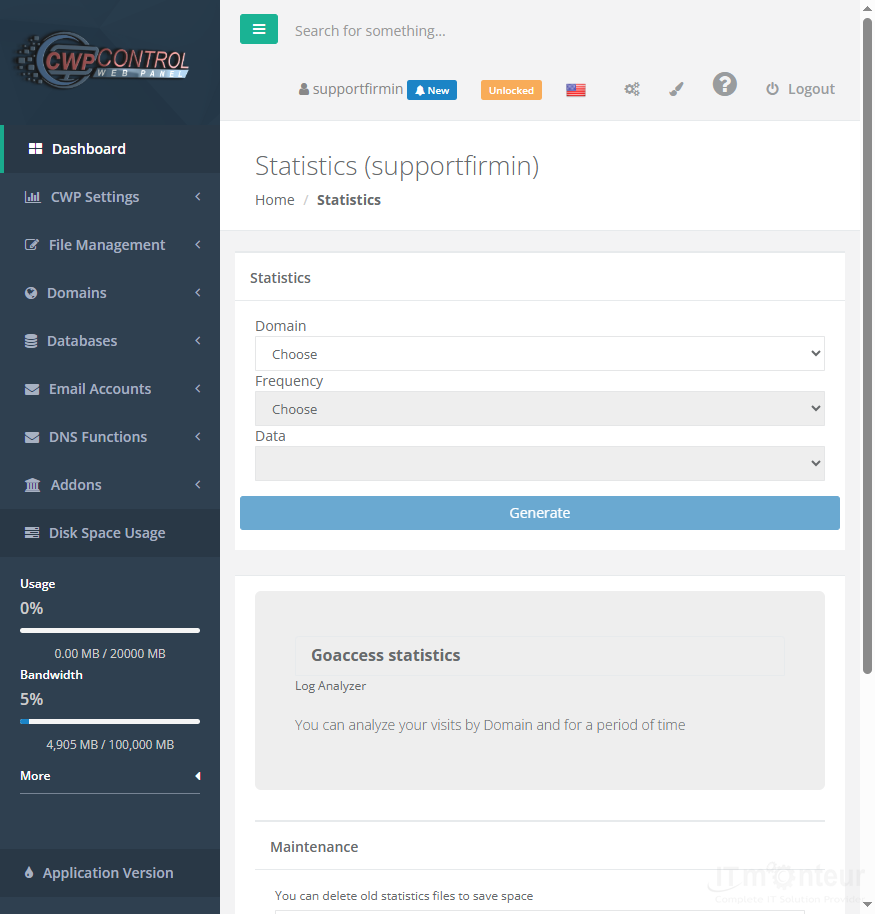
Viewing reports
- Open CWP Settings → Statistics.
- Select the domain/period you want to review.
- Use traffic and visitor data for capacity planning.



























































