 WebMail
  Support
Networking Solutions
Reliable office networks that scale with your team
From structured cabling and switching to secure Wi-Fi and edge firewalls, we design networks that stay stable as you grow — whether you are connecting 100 desks today or planning for 1,000 users tomorrow.
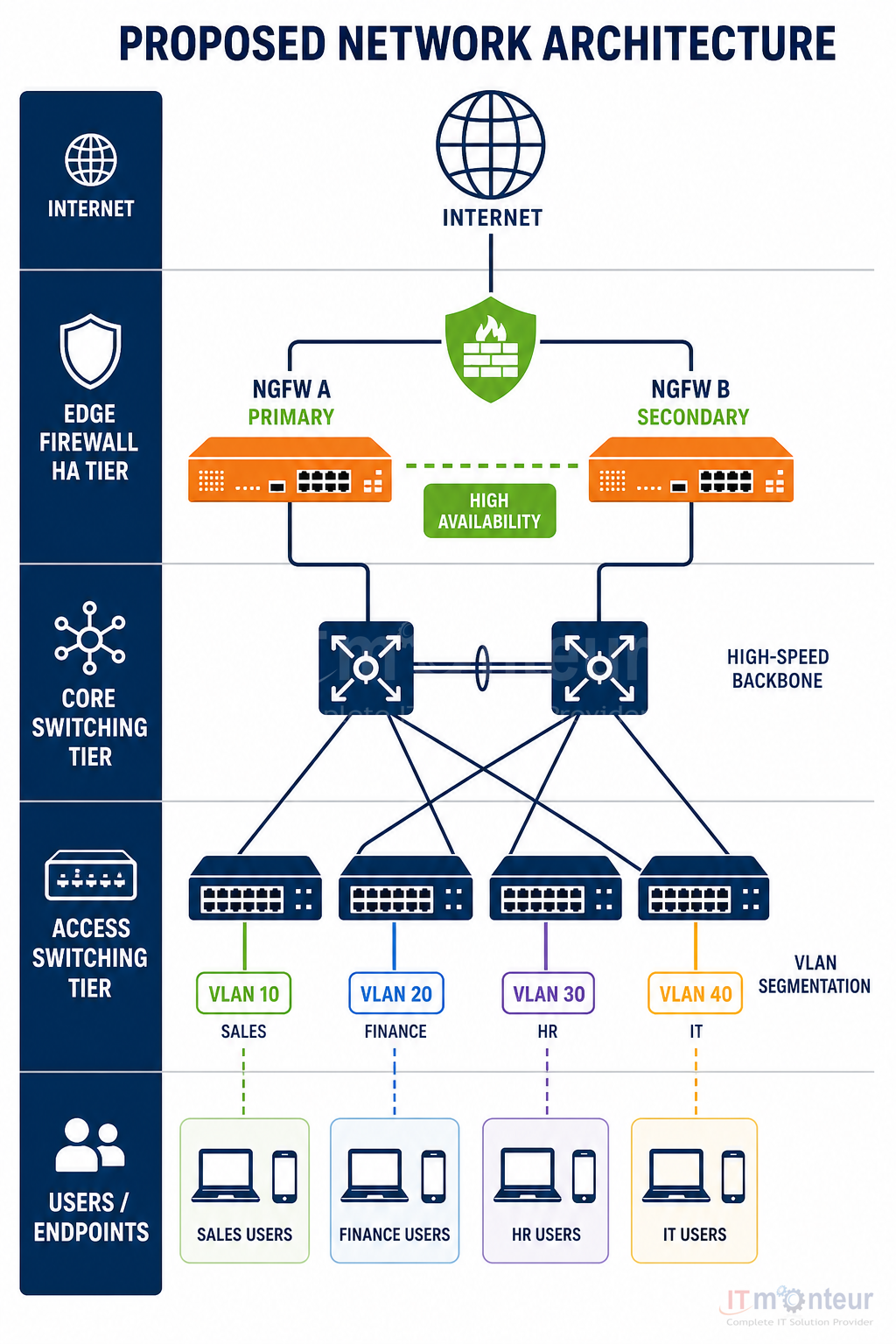
What a modern business network needs
A dependable network is more than switches and cables. It needs a clean physical layer, predictable capacity for wired and wireless users, clear segmentation for security, and monitoring so issues are found before they interrupt work.
IT Monteur designs, installs, and supports enterprise LAN / WLAN environments for offices across India and multi-site deployments — with documentation, labeling, and hand-over that your internal IT team can operate day to day.
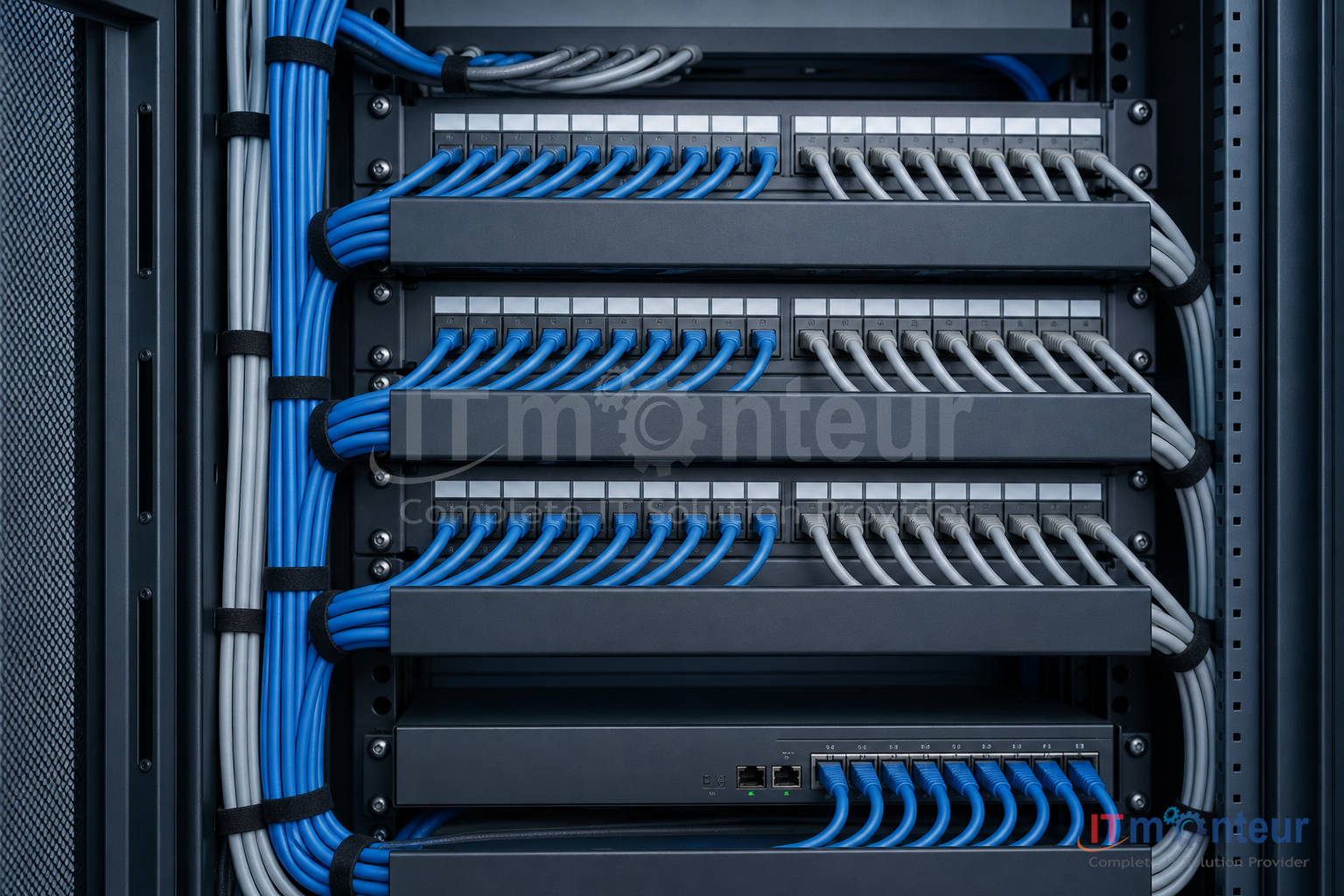
Structured cabling
Cat6 / Cat6A horizontal runs, patch panels, racks, labeling, and certification tests so every port is known and supportable.
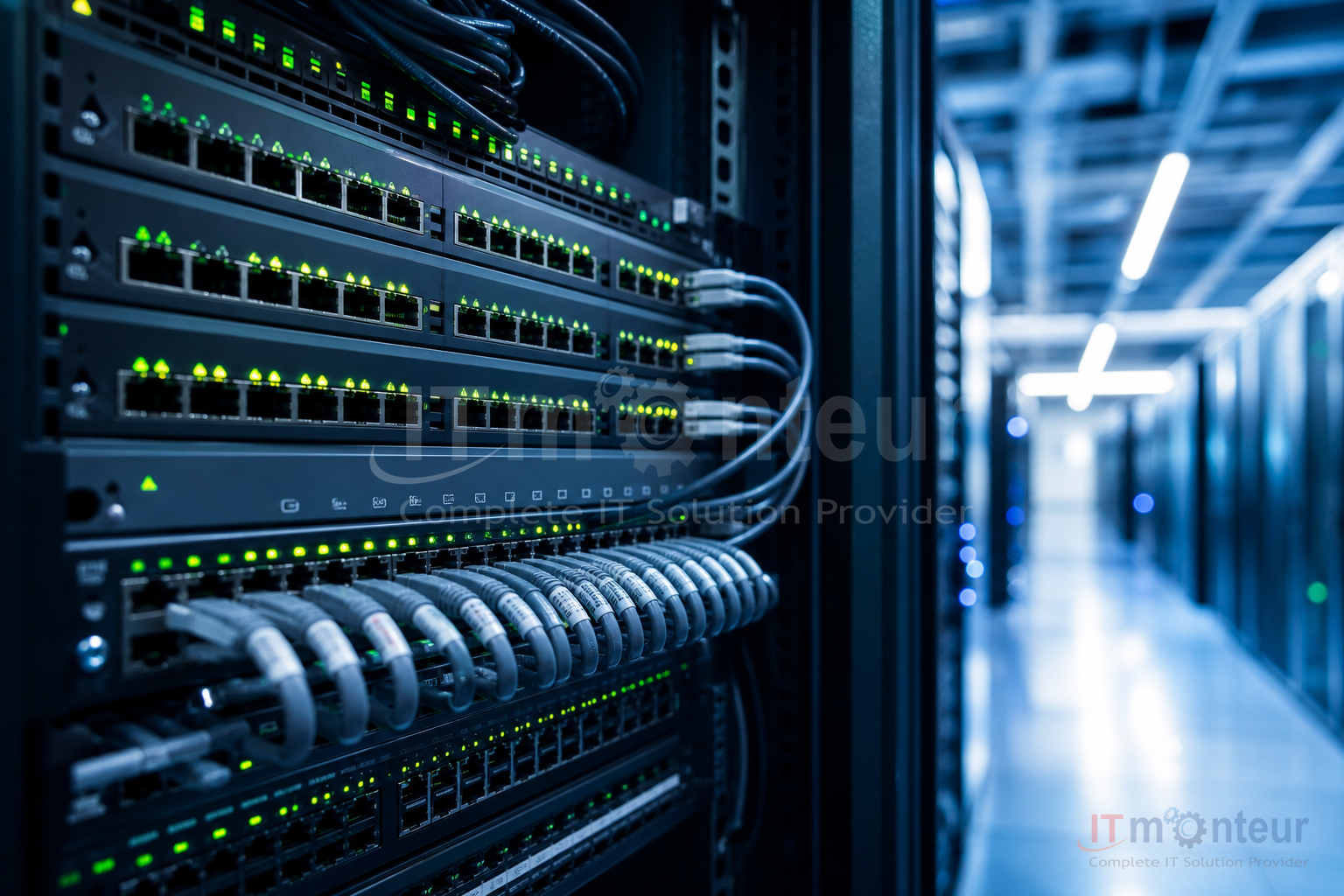
Switching & routing
Access and distribution switching, VLANs, QoS for voice/video, and uplink design sized for peak concurrent use.
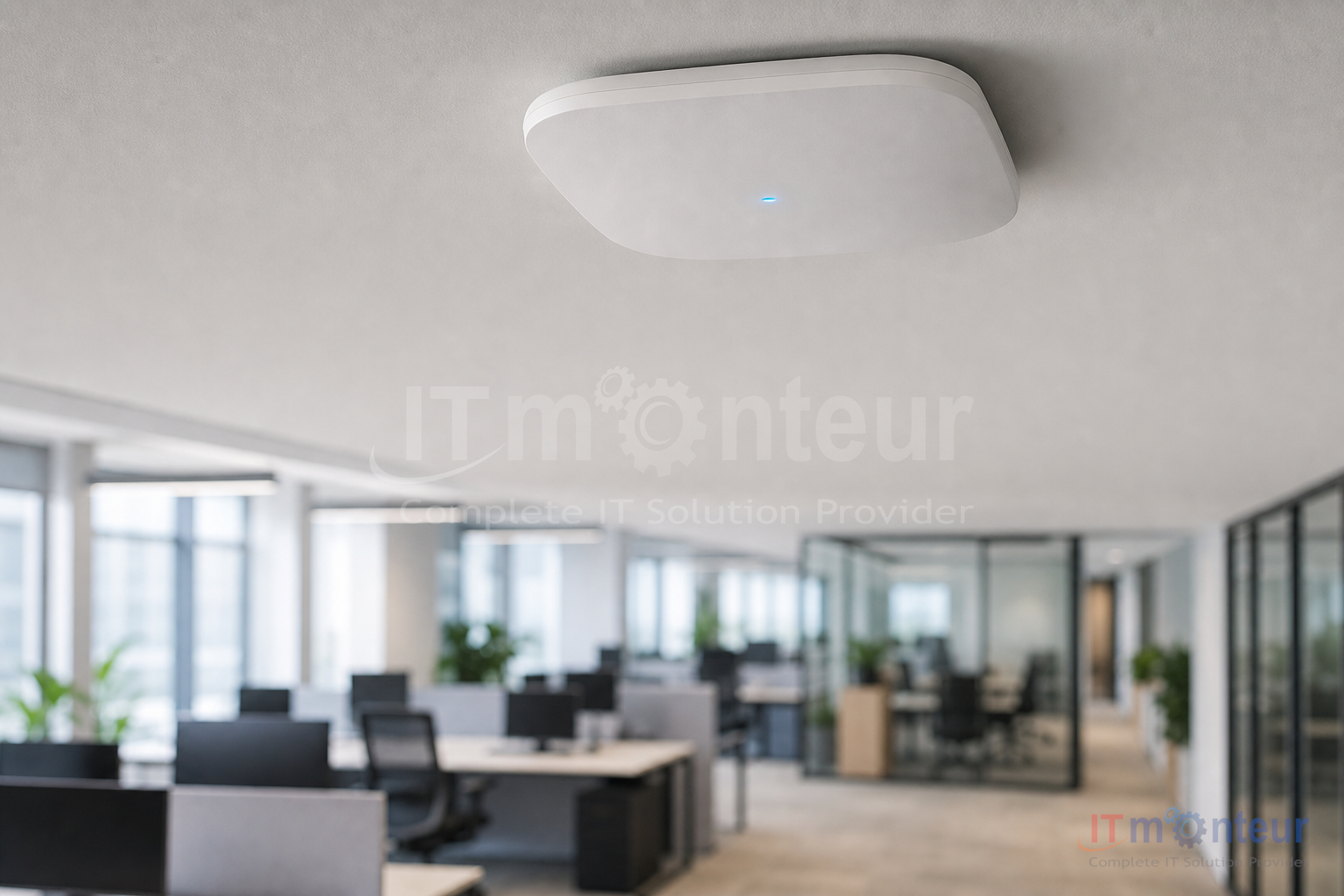
Secure Wi-Fi
Controller or cloud-managed access points, guest vs staff SSIDs, coverage planning for open floors and meeting rooms.
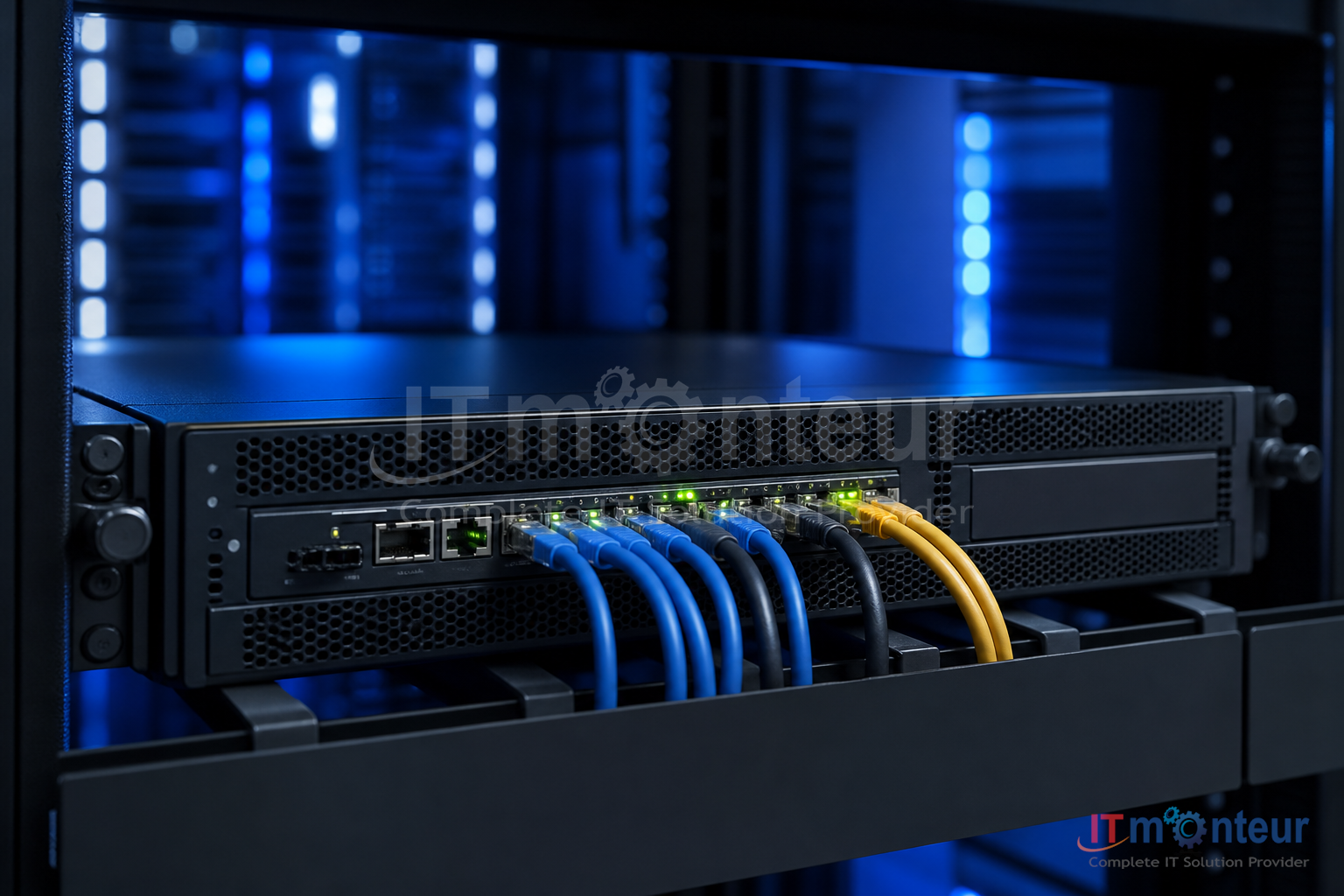
Edge security
Next-gen firewall, site-to-site and remote access VPN, and policy aligned with how your teams actually work.

Monitoring & support
Health checks, alerting, firmware hygiene, and on-call support so the network remains an operations asset — not a firefight.
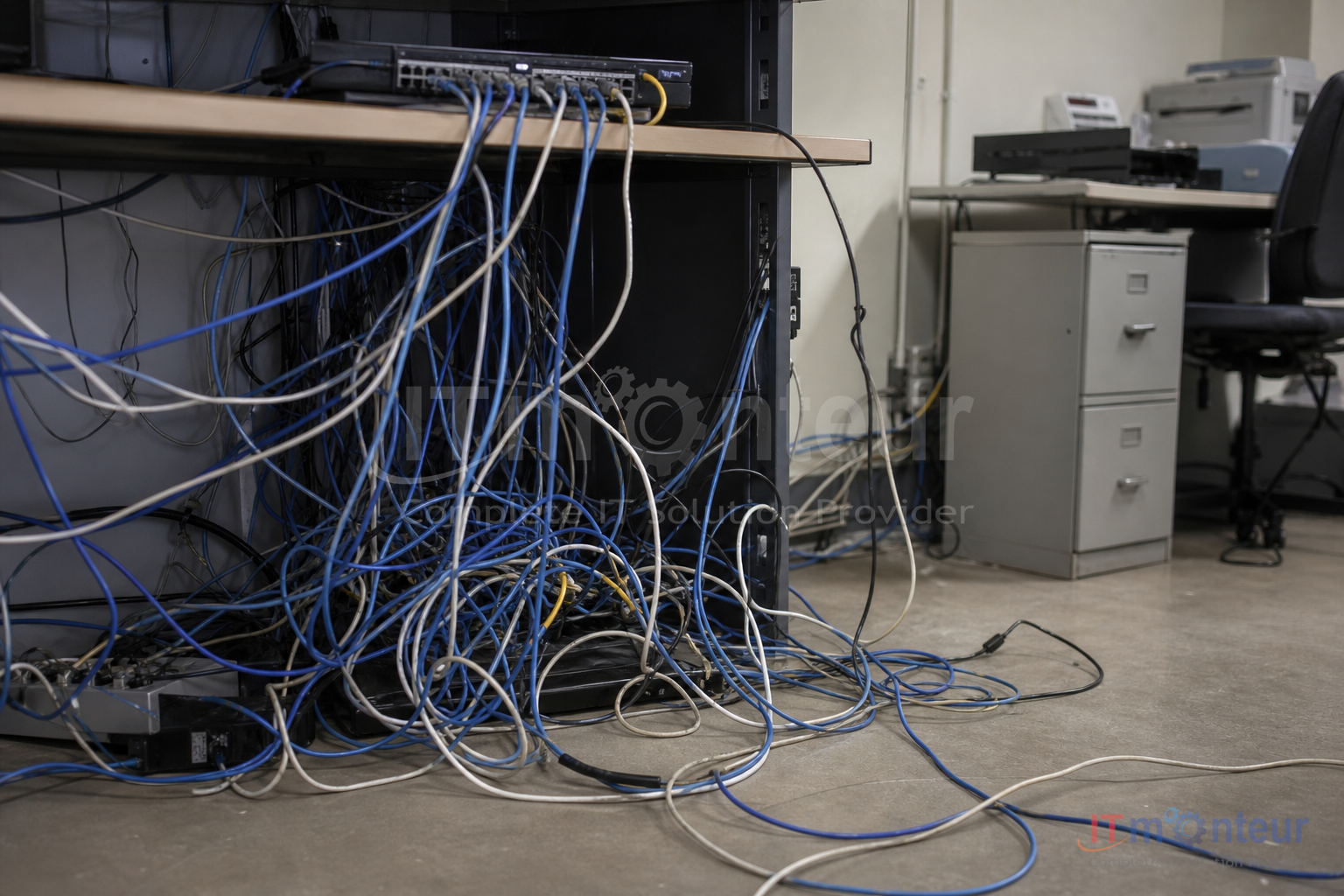
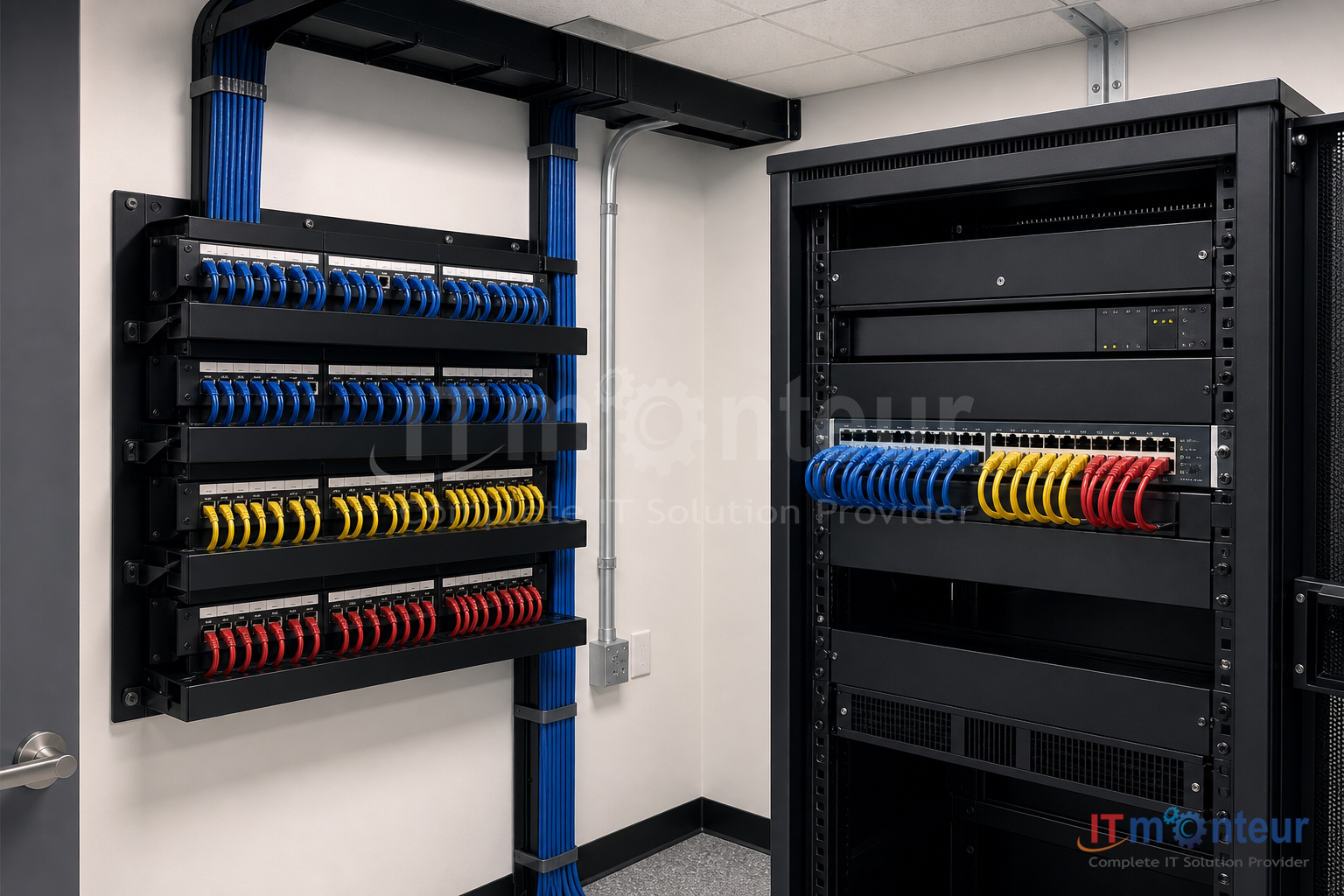
Structured cabling: before and after
Messy, unlabeled cabling slows every change and every outage. A structured plant turns the physical layer into something you can audit, expand, and troubleshoot in minutes.
Reference design: from 100 to 1,000 users
Use the 100-user office as a baseline. The same architecture scales by adding access switches, access points, and uplink capacity — without redesigning the whole plant.
Baseline
100 users — typical mid-size office
A single floor or small multi-floor suite. Most seats on copper to the access switch; Wi-Fi for collaboration spaces and visitors.
Core building blocks: one rack or wall cabinet, structured Cat6 plant, PoE access switching, dual uplinks where needed, managed Wi-Fi, and a firewall at the internet edge.
Example kit for ~100 users
- 1 Network rack / wall cabinet with PDU and cable managers
- 1 24–48 port patch panel (or dual 24) + Cat6 horizontal plant
- 1–2 PoE access switches (enough ports for seats + APs + printers)
- 6–12 Enterprise Wi-Fi access points (staff + guest SSIDs)
- 1 Next-gen firewall sized for concurrent internet users
- 1 UPS for rack / edge devices
- — VLAN plan, labeling scheme, and as-built documentation
Scale ×5
500 users — multi-floor campus feel
Same design language as 100 users, with floor-wise access stacks, distribution switching, more APs for density, and higher firewall throughput. Cabling remains home-run or floor-IDF based with clear labeling.
Scale ×10
1,000 users — multi-building / HQ
IDF closets per floor or wing, redundant distribution, segmented VLANs (staff, voice, IoT, guests), denser Wi-Fi, and HA firewall or dual-edge design. Monitoring and change control become mandatory.
| Building block | 100 users | 500 users | 1,000 users |
|---|---|---|---|
| Typical floors / zones | 1 floor or suite | 2–4 floors | Multi-floor / multi-wing |
| Access switching | 1–2 PoE access switches | Floor stacks + distribution | IDF per floor + redundant distribution |
| Copper plant | ~120–150 Cat6 drops | ~550–650 drops + floor IDFs | 1,100+ drops, labeled end-to-end |
| Wi-Fi access points | 6–12 APs (coverage + meeting rooms) | 25–45 APs (density planning) | 60–100+ APs, RF survey recommended |
| Internet edge | Single NGFW, dual WAN optional | Higher-throughput NGFW, dual WAN | HA firewall pair / dual edge |
| Segmentation | Staff / guest / printers | + voice / CCTV / IoT | Full zone model + DC / cloud links |
| Operations | Basic monitoring + ticket support | Proactive alerts + change windows | NOC-style monitoring + CAB process |
Quantities are planning guides — final BOM depends on floors, desk density, PoE loads, and internet capacity.
How we deliver
- 1Assess — current plant, gaps, and growth plans
- 2Design — topology, BOM, Wi-Fi heat expectations, security zones
- 3Build — cabling, racks, switching, Wi-Fi, firewall
- 4Validate — link tests, coverage checks, documentation
- 5Operate — monitoring, support, and planned expansions
Plan a network that will not need a rip-and-replace in two years.
Share your seat count, floors, and internet links — we will propose a right-sized design for 100, 500, or 1,000 users.



























































