 WebMail
  Support
Sub Domains
Panel path: Domains → Sub Domains
Create subdomains such as blog.yourdomain.com with their own document root.
Understanding Sub Domains
A subdomain prefix (for example blog) becomes blog.yourdomain.com with a dedicated folder.
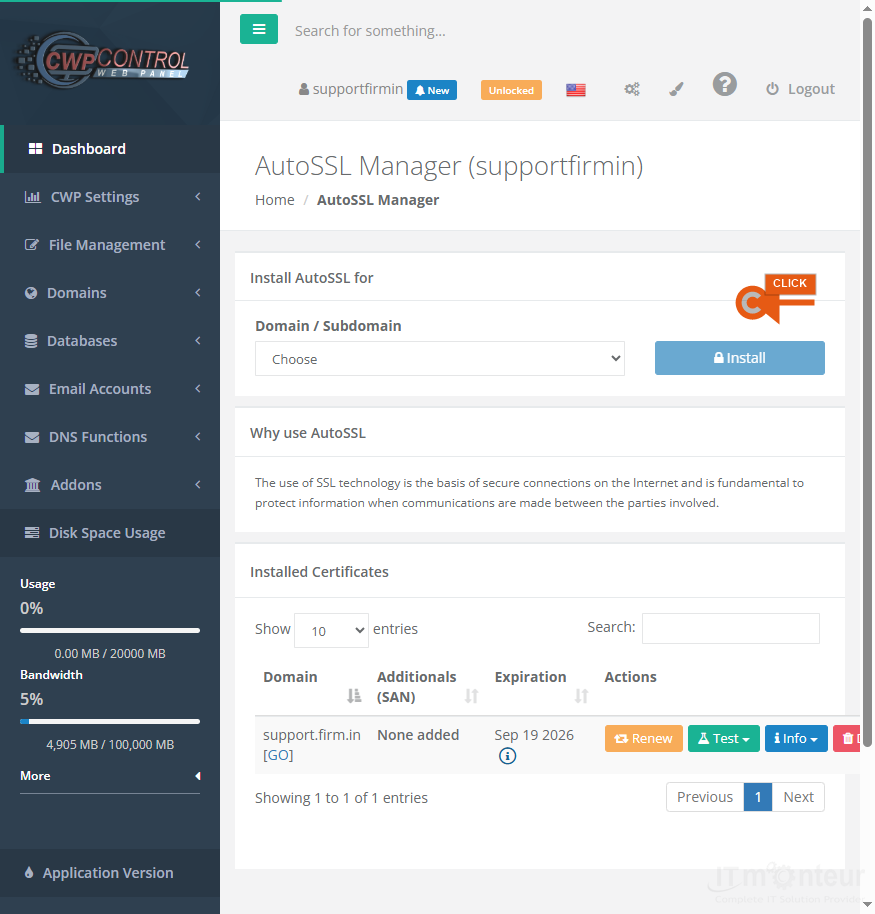
Creating a subdomain
- Open Domains → Sub Domains.
- Enter the prefix (example: blog → blog.yourdomain.com).
- Confirm the document root folder.
- Upload site files to that folder and issue SSL if needed.



























































