 WebMail
  Support
INSTALLED Scripts
Panel path: Addons → INSTALLED
Review applications already installed through the Scripts installer.
Understanding INSTALLED
This page lists script installs on your account with upgrade, backup, and remove actions.
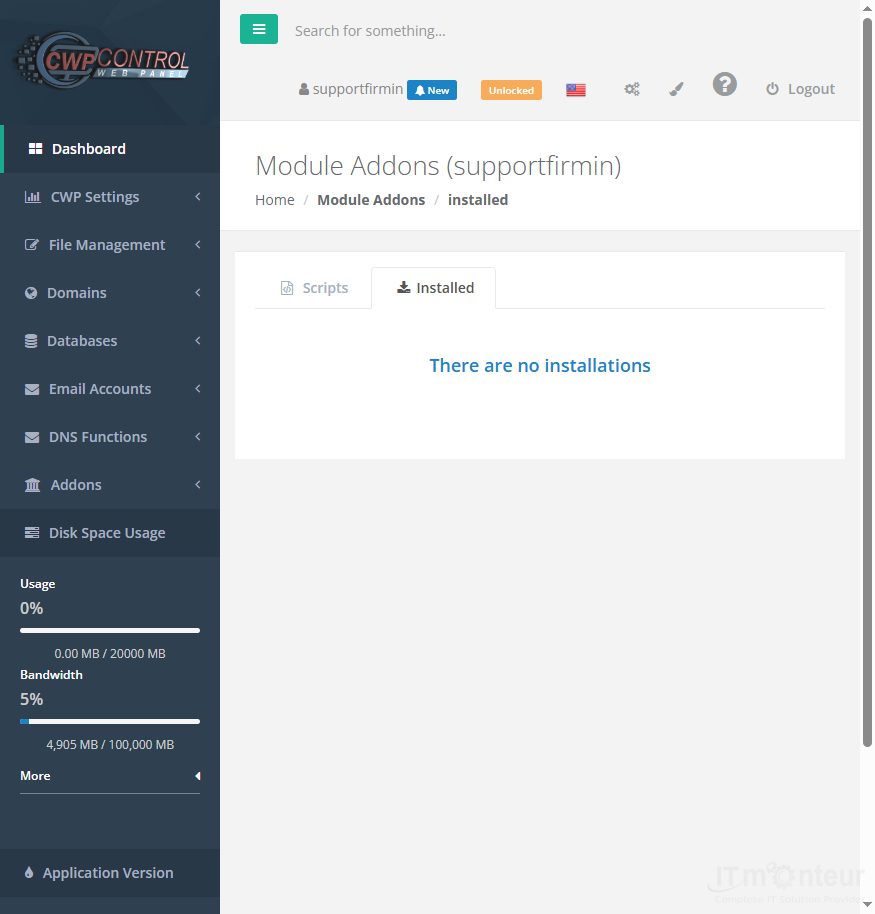
Managing installed apps
- Open Addons → INSTALLED.
- Review applications already installed on the account.
- Use available upgrade/backup/remove actions carefully.



























































