 WebMail
  Support
Crontab
Panel path: CWP Settings → Crontab
Schedule commands to run automatically — for example WordPress cron, backups, or custom scripts.
Understanding Crontab
Cron jobs run on a timetable you define. Each job needs a schedule and a shell command.
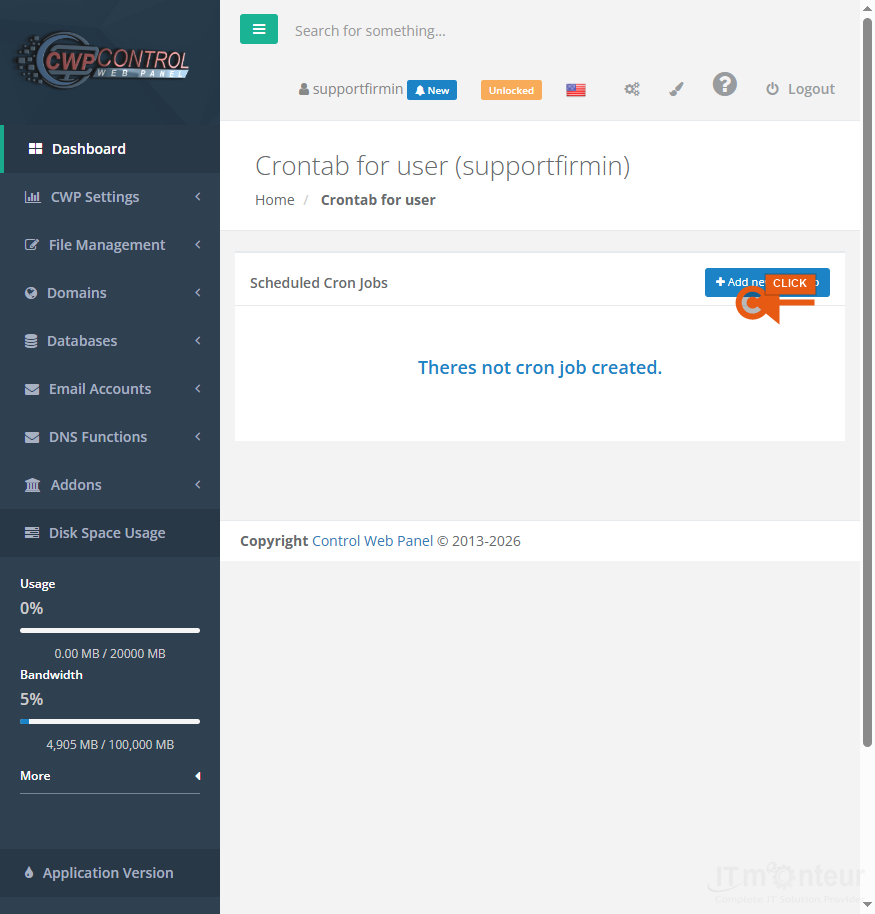
Adding a cron job
- Open CWP Settings → Crontab.
- Choose a schedule (every minute/hour/day or custom cron expression).
- Enter the command, for example: /usr/bin/php /home/USERNAME/public_html/wp-cron.php
- Save and confirm the job appears in the list.
- Check email/output if the job fails.
Notes
- Use the PHP binary that matches your Php Selector version when possible.



























































