 WebMail
  Support
Log Viewer
Panel path: File Management → Log Viewer
Read PHP and Apache error logs when pages are blank or return HTTP 500.
Understanding Log Viewer
Error logs show timestamped messages that point to the failing file, plugin, or theme.
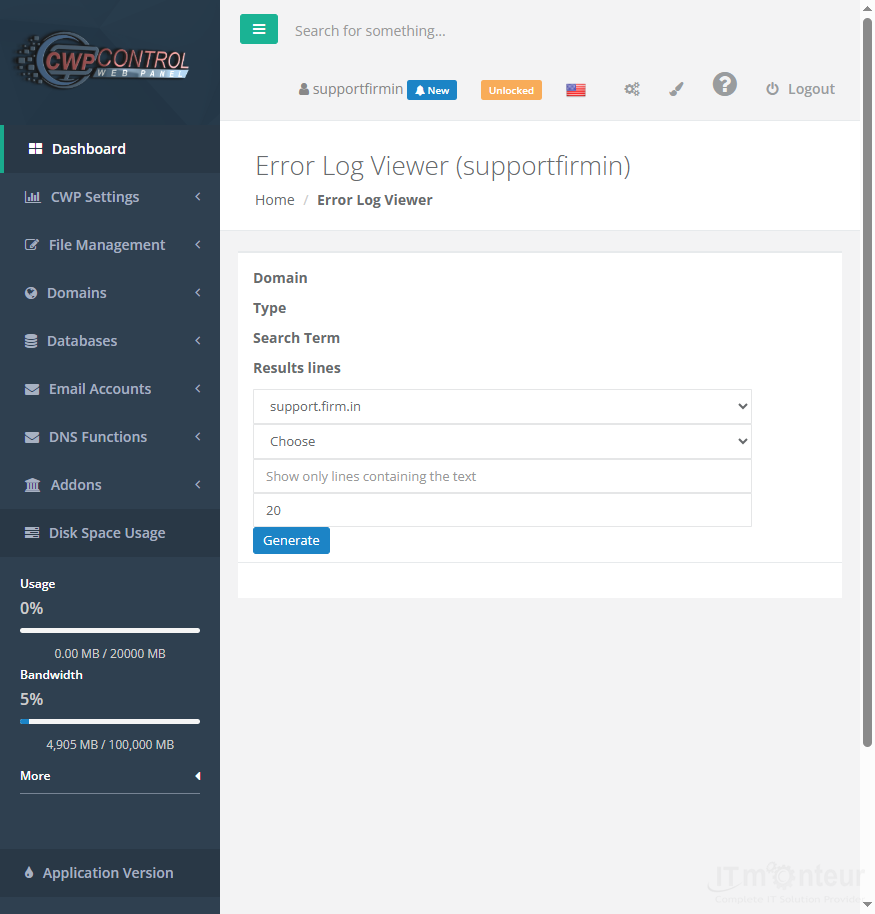
Using logs to diagnose errors
- Open File Management → Log Viewer when you see blank pages or HTTP 500 errors.
- Note the timestamped PHP/Apache error lines.
- Fix the reported file/plugin/theme issue, or send the log excerpt to support.



























































