 WebMail
  Support
Antivirus Scan
Panel path: CWP Settings → Antivirus Scan
Scan your home directory when you suspect malware or after a security incident.
Understanding Antivirus Scan
The scanner checks files under your account for known malware signatures.
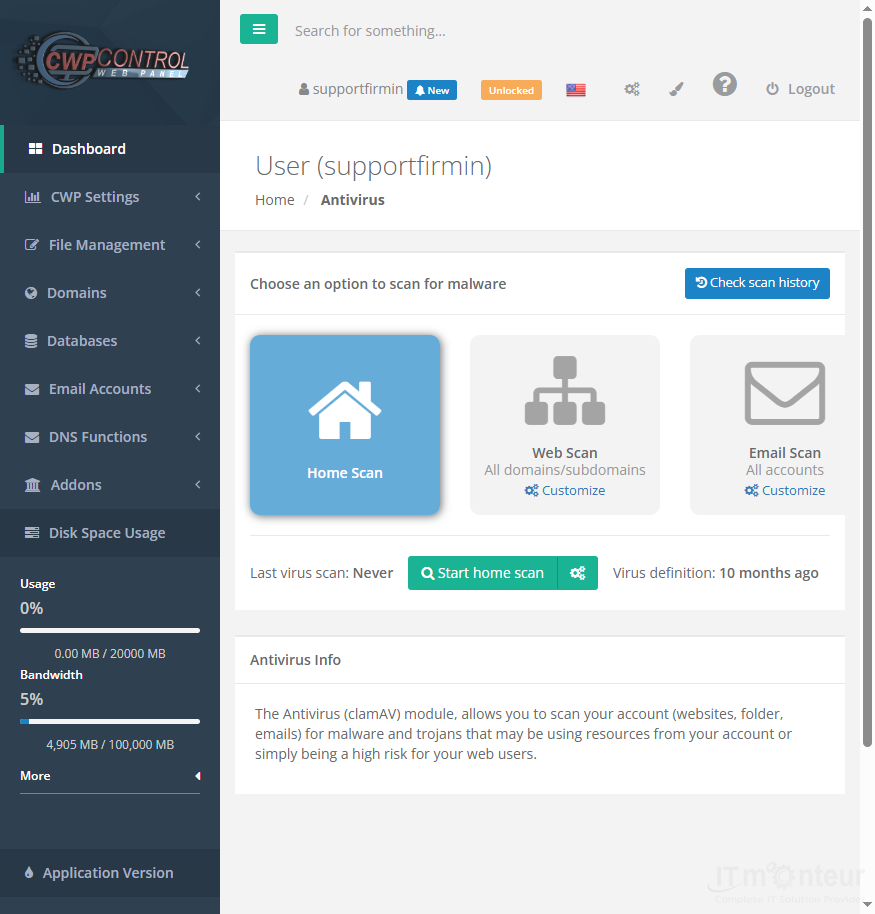
Running a scan
- Open CWP Settings → Antivirus Scan.
- Start a scan of your home directory.
- Quarantine or remove infected files carefully; keep a backup first.
Notes
- Also available: File System Lock, Process List, and Notifications under CWP Settings.



























































