 WebMail
  Support
Php Selector
Panel path: CWP Settings → Php Selector
Choose the PHP version that your website or application requires.
Understanding Php Selector
Different applications need different PHP versions. Changing the selector updates the PHP binary used by your account.
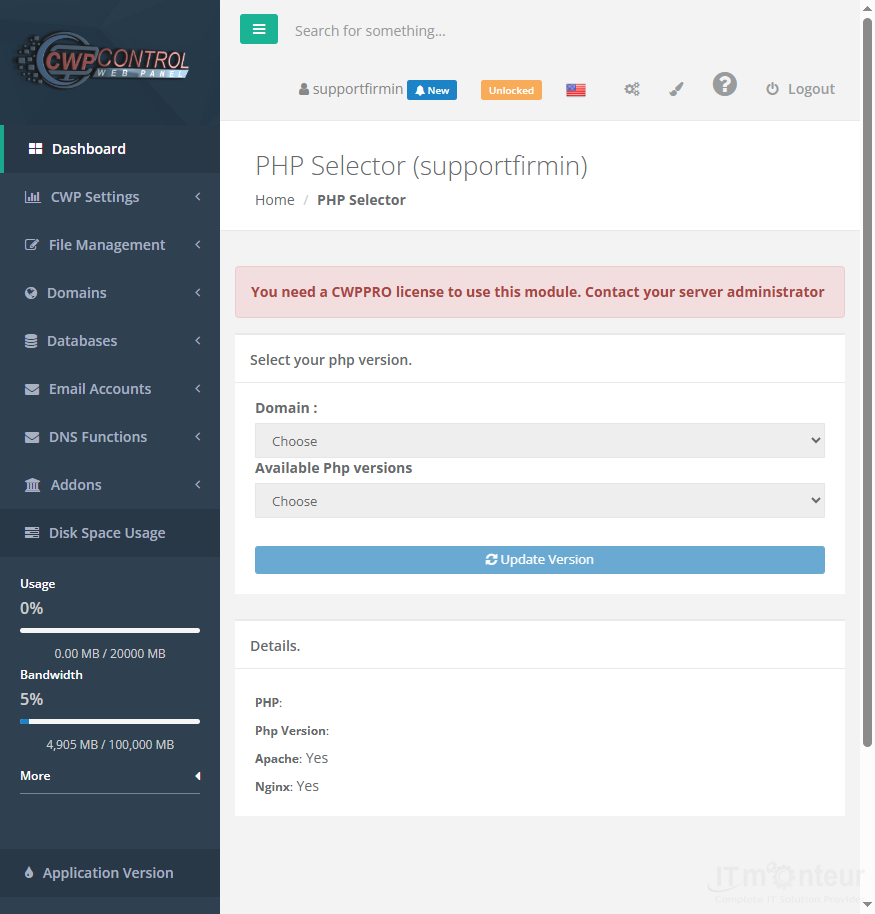
Changing PHP version
- Open CWP Settings → Php Selector.
- Select the PHP version required by your application (for example 8.1 or 8.2).
- Save changes.
- Clear any site/Cloudflare cache and retest the website.
Notes
- Wrong PHP version is a common cause of white screens and plugin errors.



























































