 WebMail
  Support
phpMyAdmin
Panel path: Databases → phpMyAdmin
Import, export, and browse MySQL databases through the phpMyAdmin web interface.
Understanding phpMyAdmin
phpMyAdmin opens in a new tab. Select your database in the left column to work with tables.
Common tasks
- Open Databases → phpMyAdmin.
- Select your database in the left column.
- Import a .sql backup or Export a fresh dump.
- Browse or repair tables only if you know what you are changing.
Notes
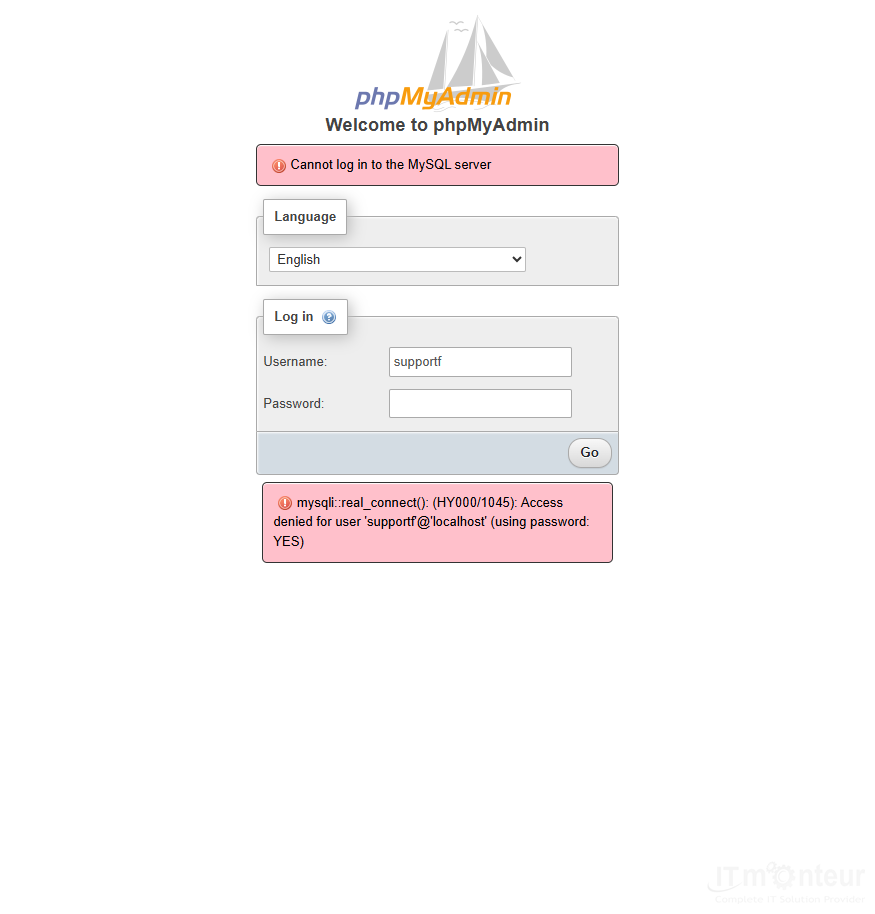
- If phpMyAdmin rejects login while the panel works, reset the account password in CWP and retry.



























































