 WebMail
  Support
Clear Cache
Panel path: Domains → Clear Cache
Flush domain cache after PHP, vhost, or site configuration changes.
Understanding Clear Cache
Cached vhost or PHP settings may persist until you clear cache for the affected domain.
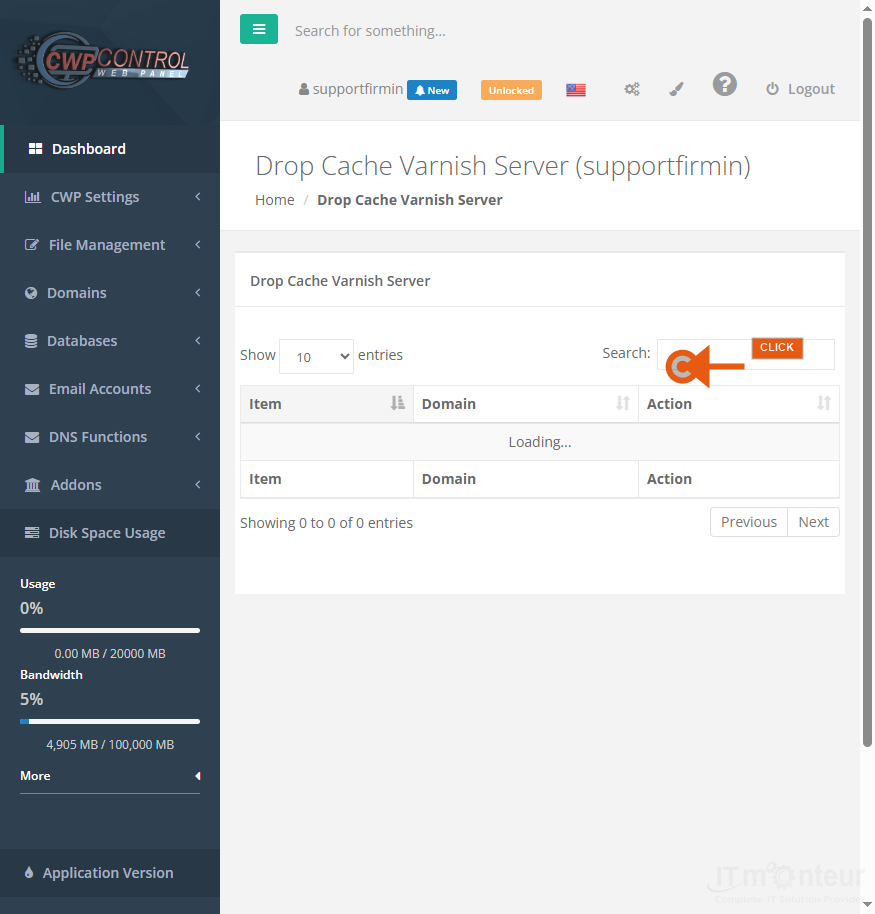
Clearing cache
- Open Domains → Clear Cache after PHP, vhost, or site config changes.
- Retest the affected domain.
Notes
- Also available under Domains: Node.JS Apps and Tomcat Manager when your package includes them.



























































