 WebMail
  Support
File Manager
Panel path: File Management → File Manager
Browse, upload, extract, and edit files in your hosting account through the browser.
Understanding File Manager
File Manager opens in a new tab. Your main website files usually live in public_html/.
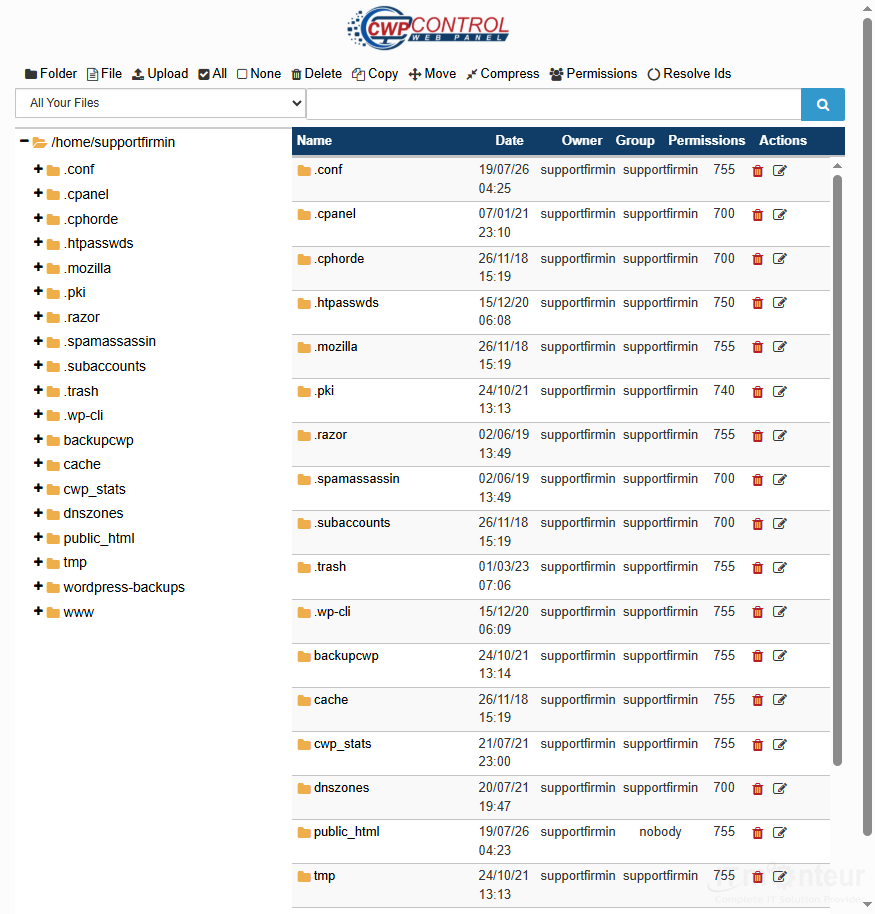
Working with files
- Open File Management → File Manager (opens in a new tab).
- Browse to public_html/ for the main website root.
- Upload a ZIP, then Extract into the correct folder.
- Edit files carefully; set folders to 755 and files to 644 in most cases.
- Avoid 777 permissions unless support specifically asks.
Notes
- Never delete the public_html folder itself.
- Back up before mass deletes.



























































