 WebMail
  Support
Dashboard Overview
Panel path: Dashboard
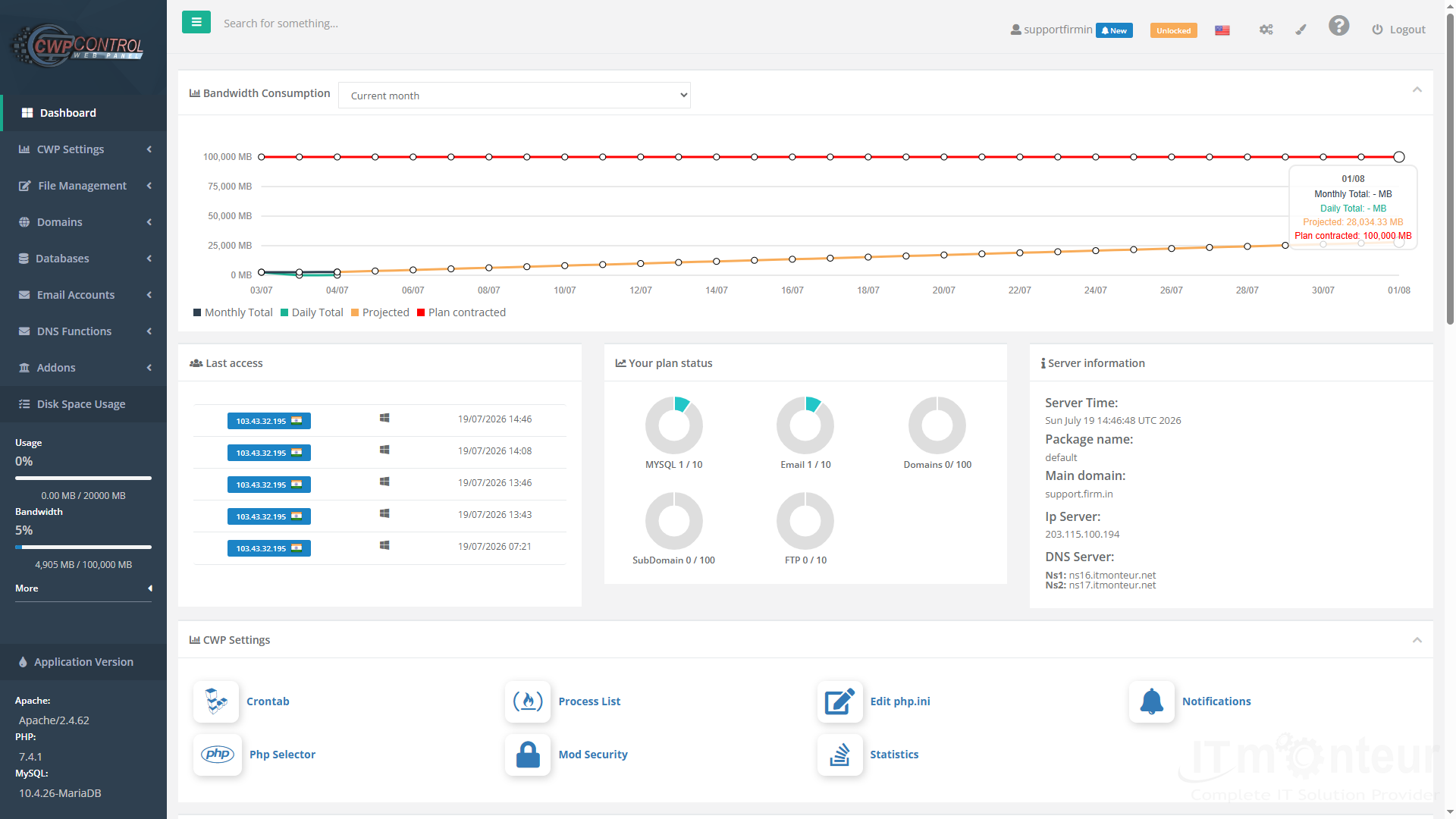
The dashboard shows account usage, plan limits, server details, and recent login activity at a glance.
Understanding the dashboard
After login you land on the Dashboard. Use it to confirm disk and bandwidth usage before making changes elsewhere in the panel.
What to review
- Review bandwidth and disk usage meters in the left column.
- Check plan status (MySQL, Email, Domains, FTP quotas).
- Note server IP, main domain, and package name under Server Information.
- Use Last Access to verify recent logins.
Notes
- When a site fails, check Disk / Bandwidth first, then Log Viewer.



























































