 WebMail
  Support
Mail Not Delivered / 550 Bounce Errors
Panel path: Email Accounts + DNS Functions
When messages bounce, land in spam, or never arrive — use this checklist. SMTP 550 errors are among the most common bounce codes.
What a 550 bounce means
A 550 (or 5.x.x) response means the remote mail server permanently rejected the message. The bounce body usually names the reason — mailbox missing, blocked sender, SPF/DKIM failure, or relay denied.
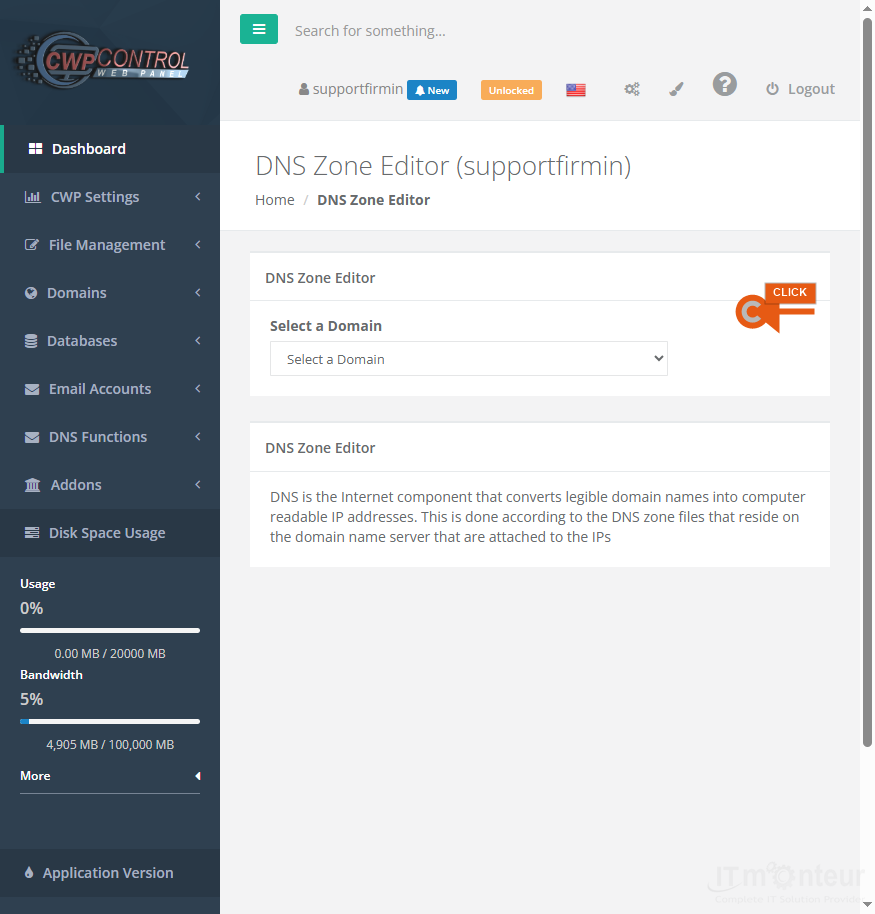
Quick checklist before you open a ticket
-
Incoming mail missing: Confirm the mailbox exists under Email Accounts. Confirm MX for the domain points to the IT Monteur / CWP mail hostname (not an old provider). Confirm Email Routing is set to local delivery if mail should stay on this server.
-
Outgoing bounce / 550 to Gmail, Yahoo, Office 365: Check SPF and DKIM TXT records (see SPF Setup and DKIM Setup under DNS). Fix multiple SPF records (keep only one merged SPF TXT). Confirm you send from the full mailbox address that exists on the server.
-
User unknown / No such user (550): The local part does not exist — create the mailbox or a forwarder for that address, or correct the recipient typo.
-
Relay access denied: SMTP authentication failed in Outlook/phone — recheck username (full email), password, and SMTP 465 SSL.
-
Mail goes to spam: Publish SPF + DKIM, then add DMARC (start with p=none). Avoid marketing from a brand-new domain without warm-up. Ask IT Monteur to check IP reputation if authenticated mail still fails.
-
Save the full bounce message (headers + body) and open a support ticket with: domain, from-address, to-address, approximate time, and the bounce text.
Common 550 message text
- 550 5.1.1 User unknown — mailbox or forwarder missing on the receiving host.
- 550 5.7.1 Relaying denied / Authentication required — SMTP login wrong or not enabled in the client.
- 550 SPF fail / DMARC fail — sending host not allowed in DNS SPF, or DKIM/DMARC policy rejecting the mail.
- 550 Blocked / listed — sending IP or domain on a blocklist; contact IT Monteur with the bounce.
Notes
- Do not create multiple SPF TXT records. Merge include: mechanisms into a single SPF string.
- MX and routing must match: remote MX + local-only mailboxes = lost mail.



























































