 WebMail
  Support
Troubleshooting
Panel path: Various
Quick fixes for the most common CWP Pro hosting issues.
Common problems
Most issues trace back to DNS, SSL, PHP version, disk quota, or mail DNS records.
Quick fix table
- Cannot open :2083 — use https; confirm firewall allows 2083.
-
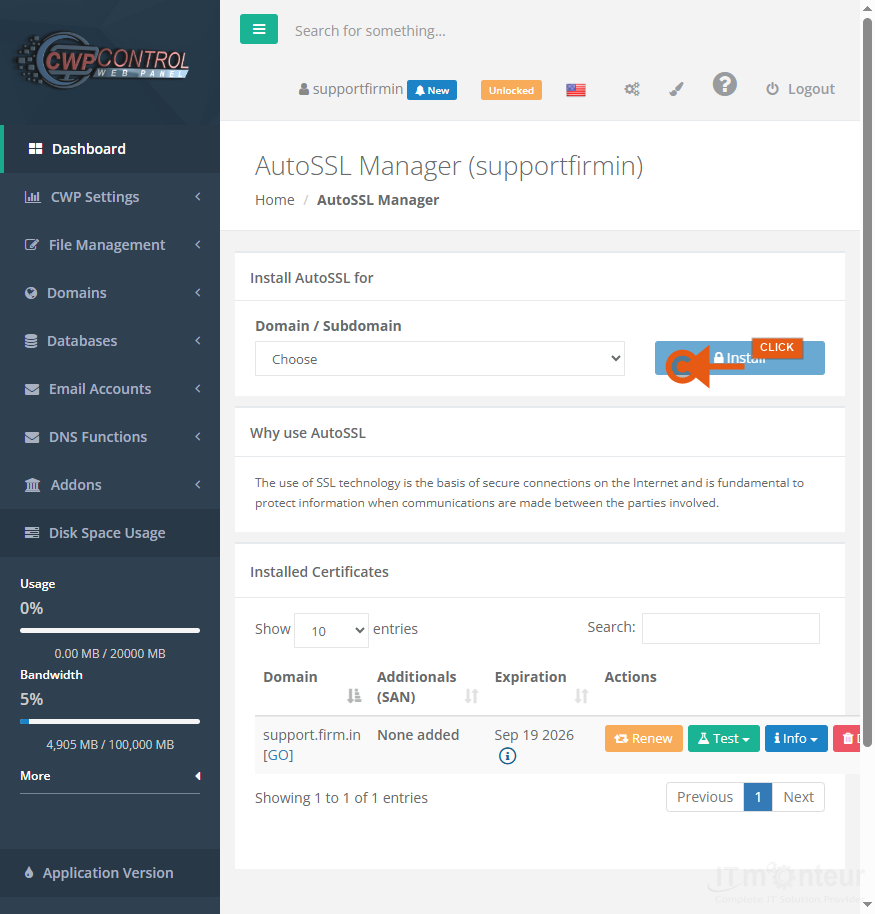
HTTPS fails — DNS points here, then AutoSSL.

Check DNS, then issue certificate in AutoSSL. -
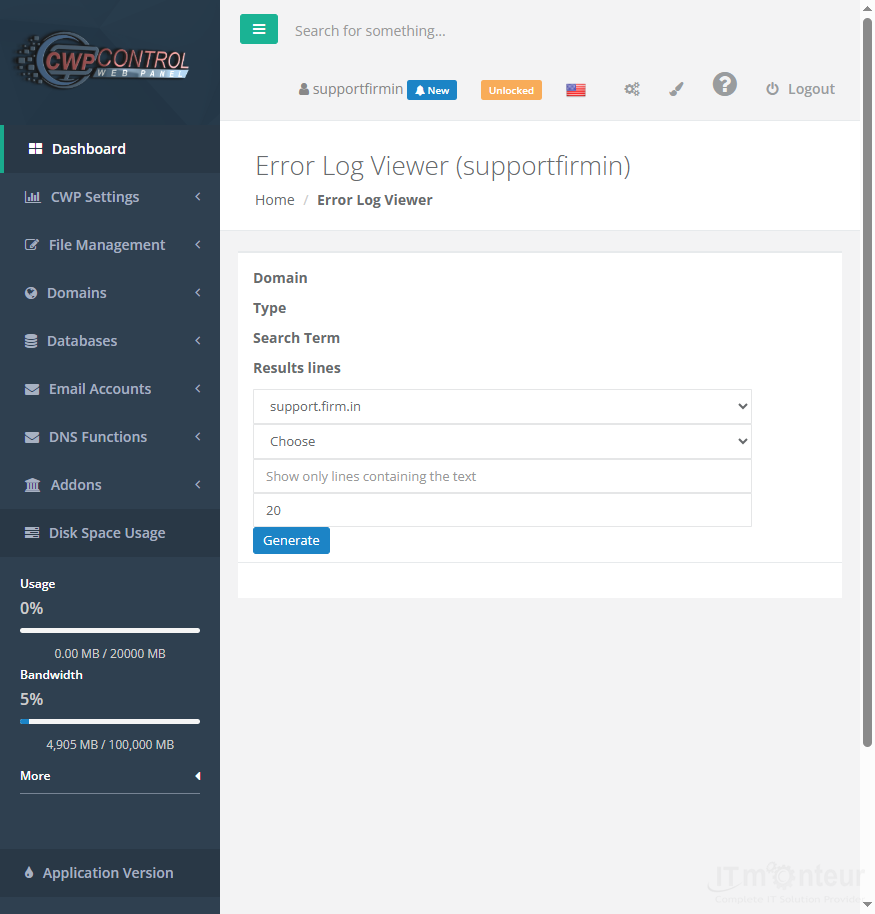
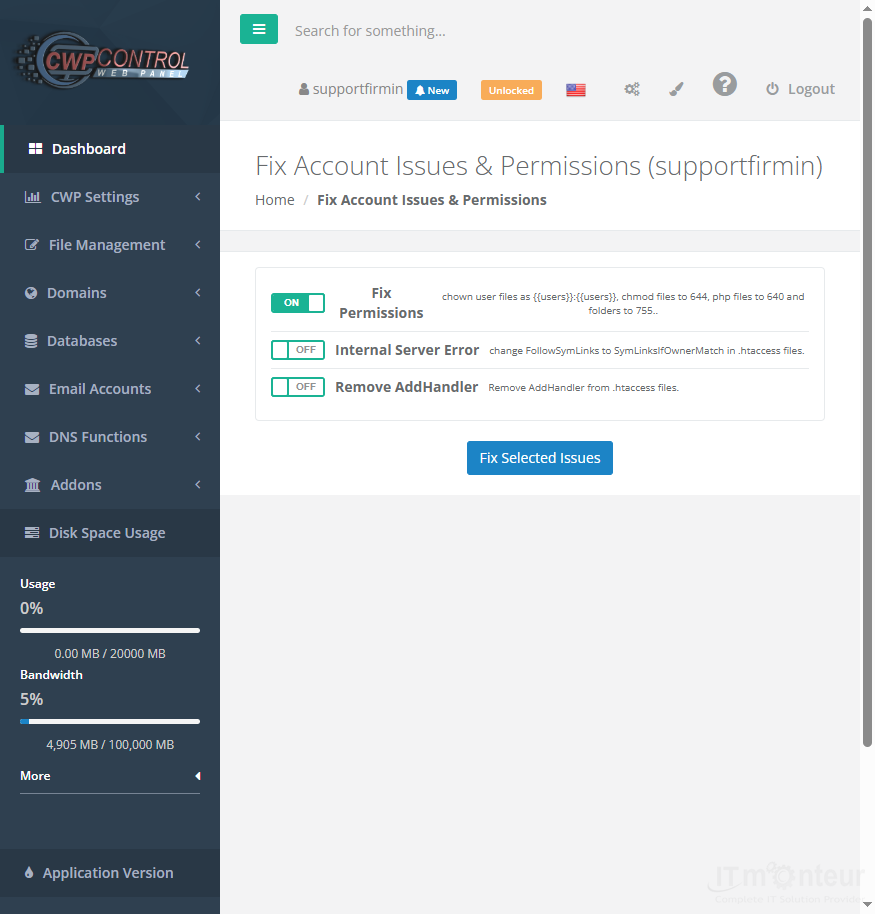
500 / blank page — Log Viewer → Php Selector → Fix Account Issues.
Log Viewer, then Fix Account Issues if permissions are wrong. -
Mail missing, bounced, or 550 error — see Mail Not Delivered / 550 Bounce Errors, then fix SPF Setup and DKIM Setup under DNS. Share the full bounce with support if needed.
Verify SPF (and DKIM) TXT records in DNS Zone Editor when mail bounces or lands in spam. -
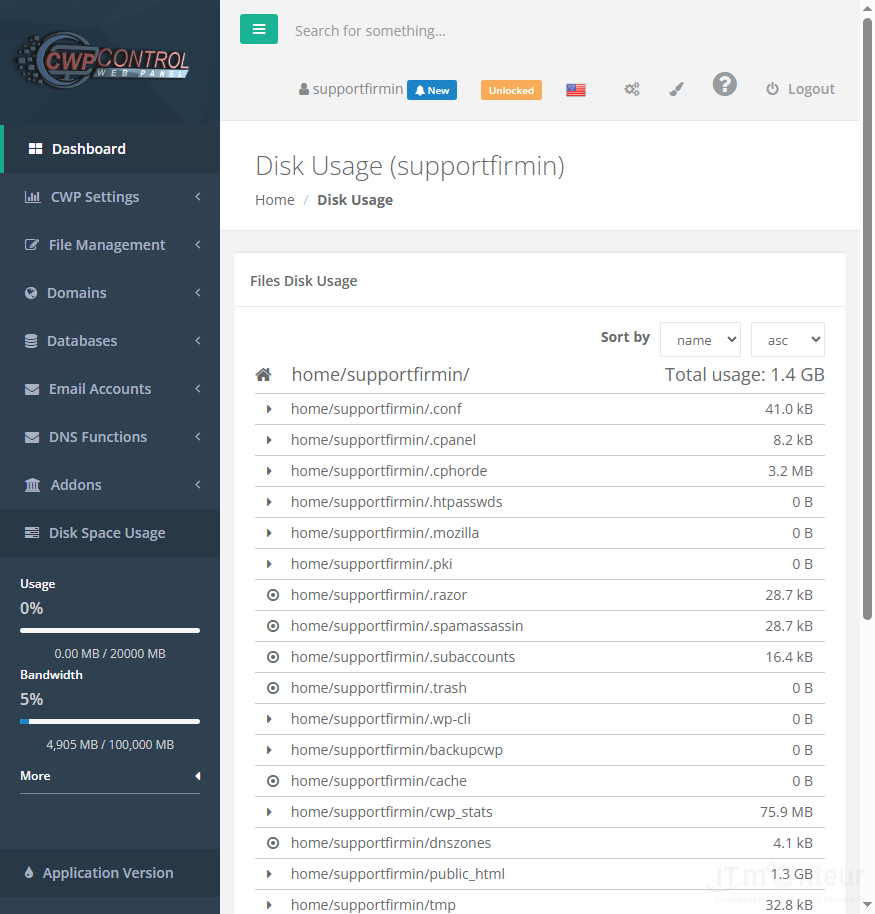
Upload fails — php.ini limits and disk quota.
Check Disk usage and php.ini upload limits.

Notes
- Support: https://www.itmonteur.net/delightful-support/ and http://my.itmonteur.net/



























































