 WebMail
  Support
Git Manager
Panel path: Addons → Git Manager
Connect Git repositories to your site directory for pull-based deployments.
Understanding Git Manager
Create or link a repository and deploy updates using your team’s Git workflow.
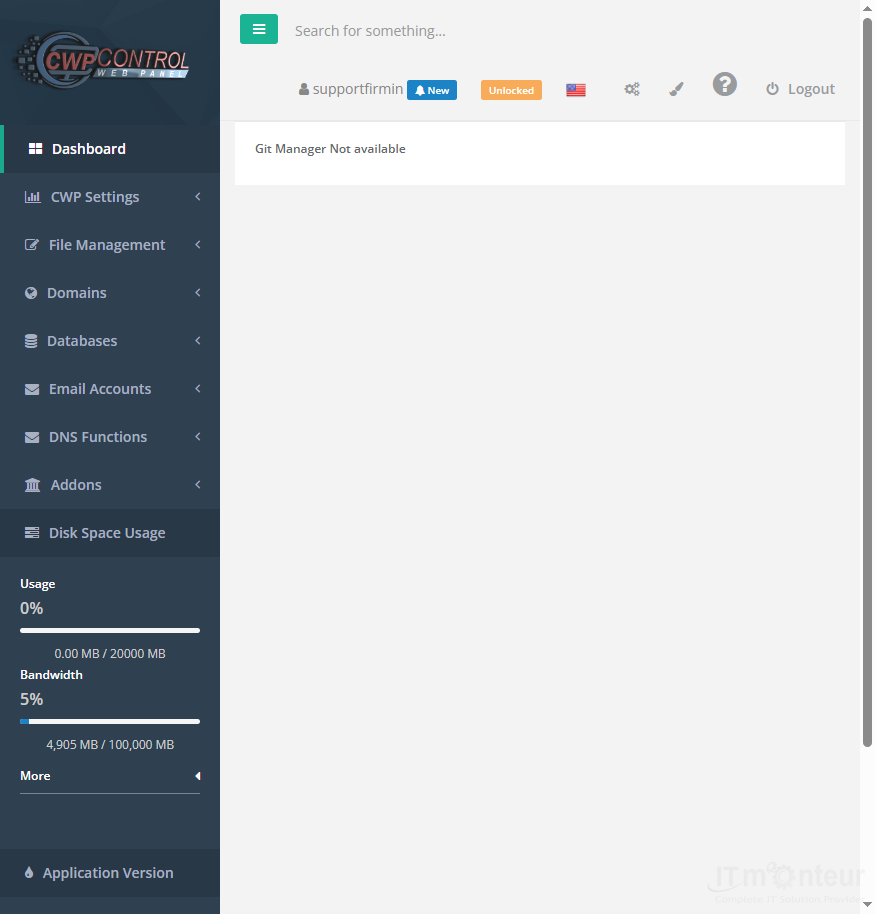
Using Git Manager
- Open Addons → Git Manager.
- Create or connect a repository for your site directory.
- Pull/deploy using the workflow your developers expect.



























































