 WebMail
  Support
Scripts (App Installer)
Panel path: Addons → Scripts
One-click install popular applications such as WordPress, Joomla, or Drupal.
Understanding Scripts
The installer creates files, database, and admin user based on the options you choose.
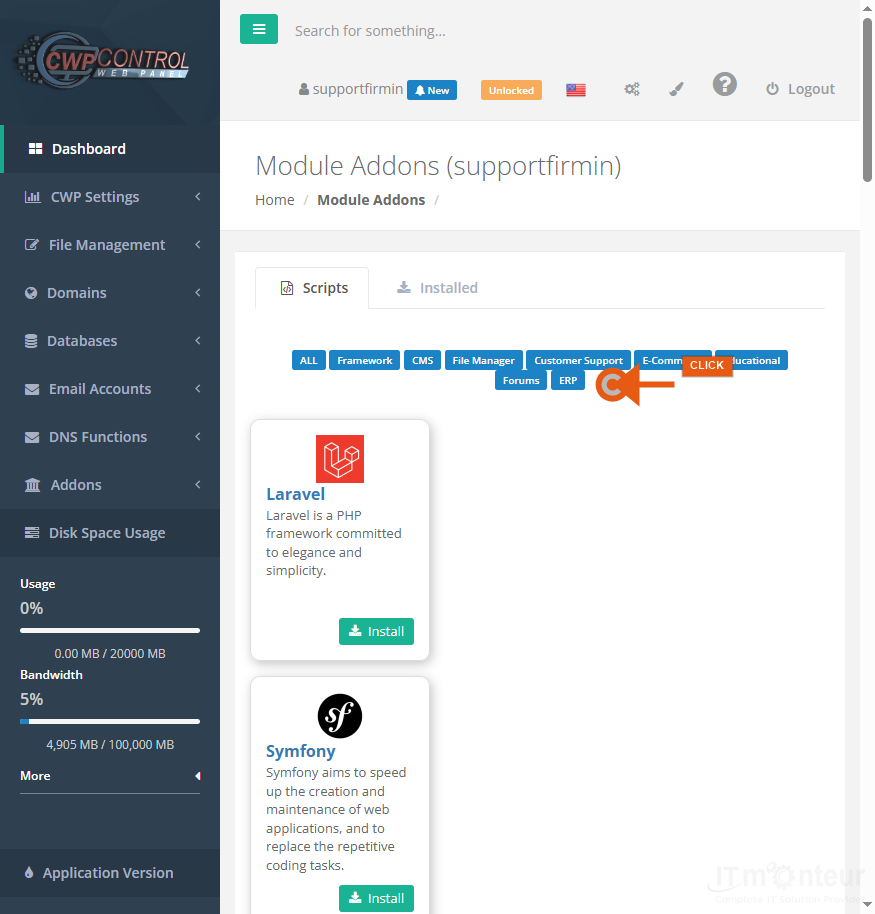
Installing an application
- Open Addons → Scripts.
- Choose an application (for example WordPress).
- Set domain, directory, admin user/password, and database options.
- Install, then complete SSL and hardening steps.



























































