 WebMail
  Support
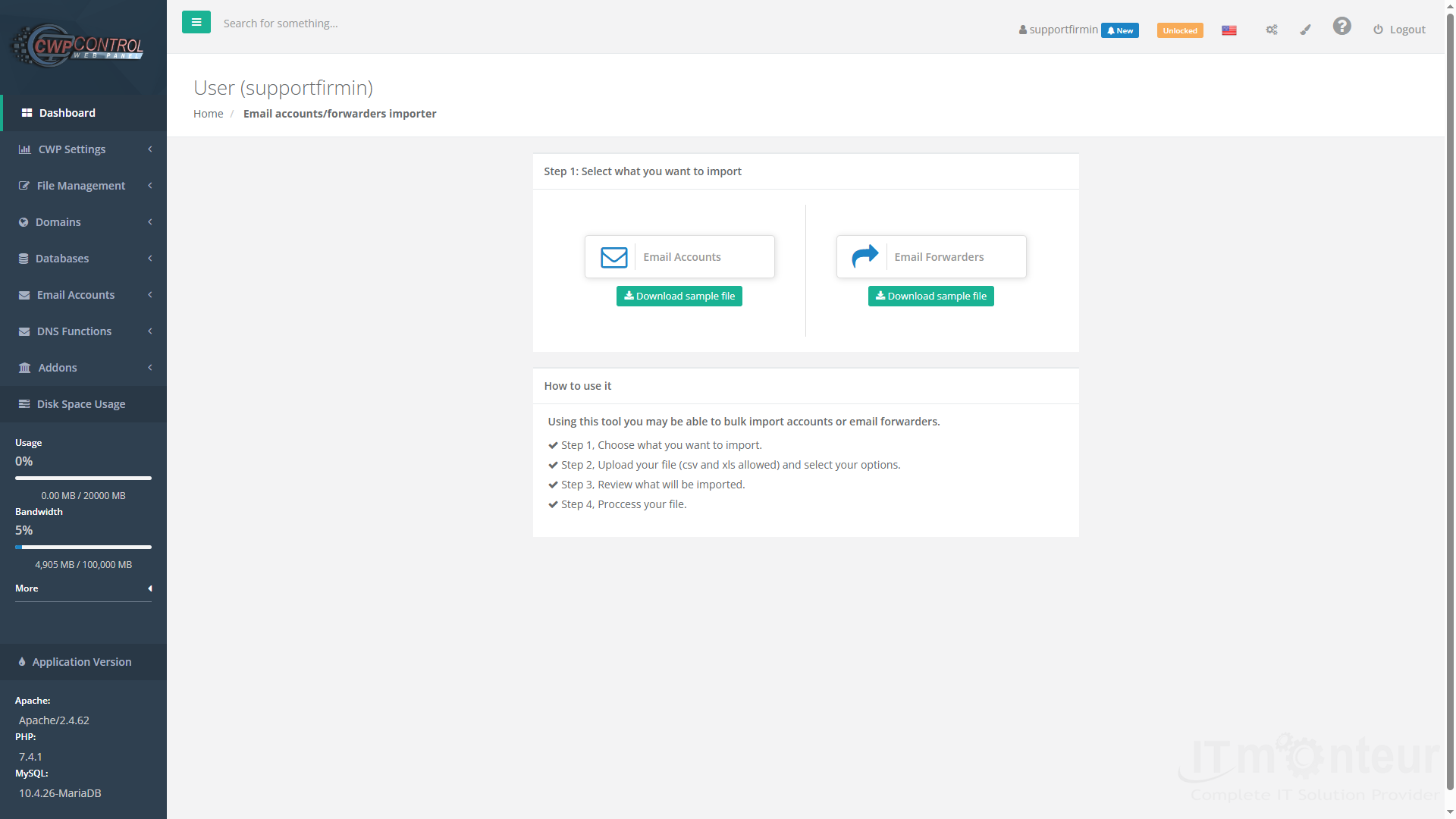
Email Importer
Panel path: Email Accounts → Email Importer
Migrate mailbox data from another provider into your CWP hosting account using the panel importer wizard.
Understanding Email Importer
The importer connects to your old IMAP/mail host and copies messages into mailboxes already created on this server.
Before you import
- Create the destination mailboxes in Email Accounts (same addresses if possible).
- Lower old-provider rate limits if any; keep source passwords handy.
- Take a mailbox backup if the old host offers export.
Running an import
- Open Email Accounts → Email Importer.
- Enter the source (old) server hostname, protocol (usually IMAP), username (full email), and password.
- Select the destination mailbox on this CWP account.
- Start the job and wait — large mailboxes can take hours. Do not delete the old account until you verify counts and recent folders.
- After import, test Roundcube / Outlook, then update MX/SPF if you are switching mail delivery to this server.
Notes
- Switch MX only after the new mailboxes work — otherwise new mail can bounce or go to the wrong host during migration.



























































