 WebMail
  Support
Email Routing
Panel path: Email Accounts → Email Routing
Choose whether mail for a domain is delivered locally or handled by a remote mail exchanger.
Understanding Email Routing
Local delivery keeps mail on this server. Remote routing sends mail elsewhere — MX records in DNS must match your choice.
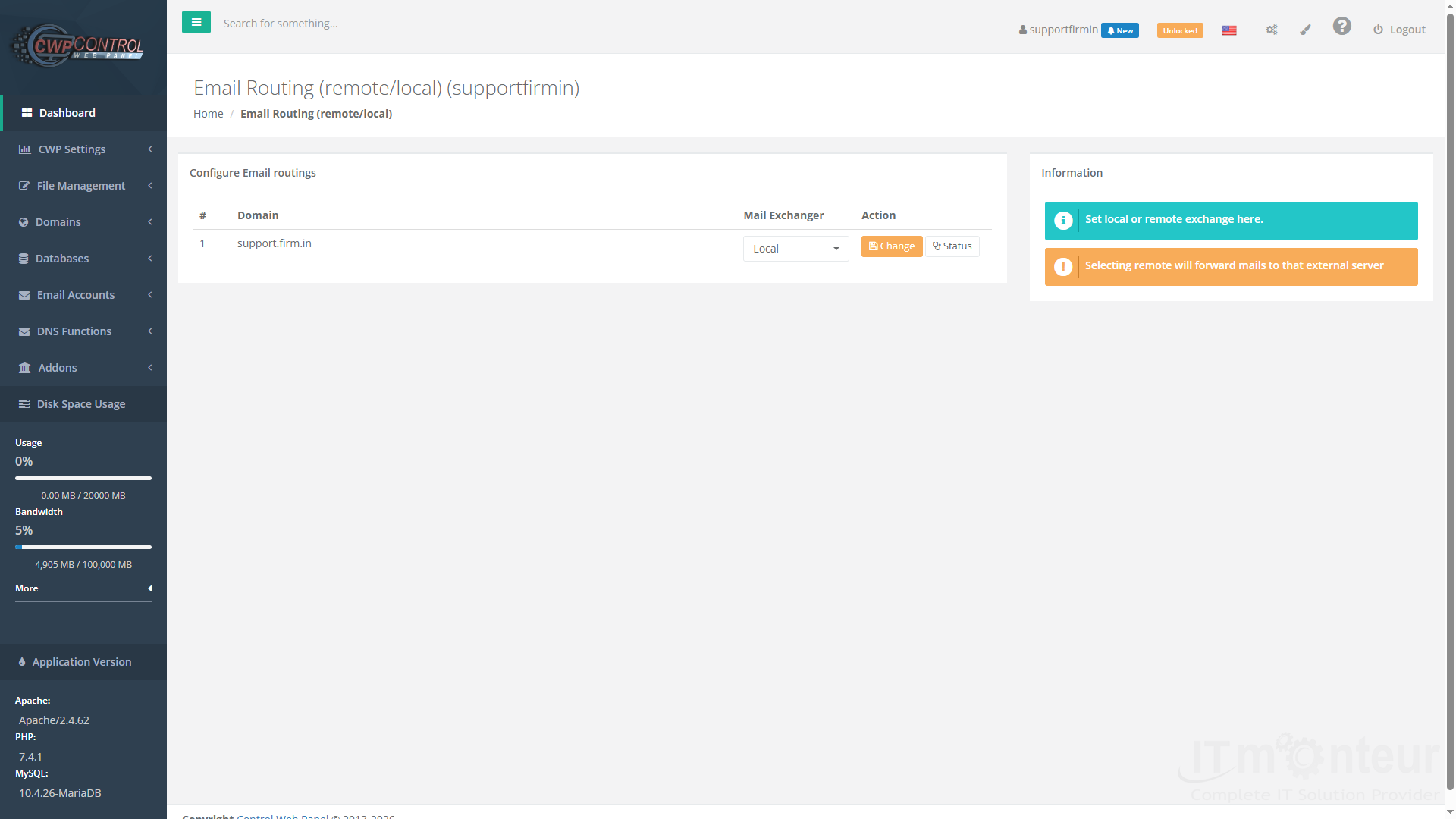
Configuring routing
- Open Email Accounts → Email Routing.
- Choose local delivery vs remote mail exchanger when mail is hosted elsewhere.
- Align MX records in DNS Zone Editor with this choice.
Notes
- Mismatched MX and routing causes lost or delayed mail.



























































