 WebMail
  Support
Roundcube Webmail
Panel path: Email Accounts → Roundcube Webmail
Access your mailbox in a browser — no Outlook or phone app required. Use Roundcube for day-to-day send and receive.
How to open Webmail
You can open Roundcube from the CWP menu, from the mailbox list Autologin icon, or from the direct webmail URL in your welcome email.
-
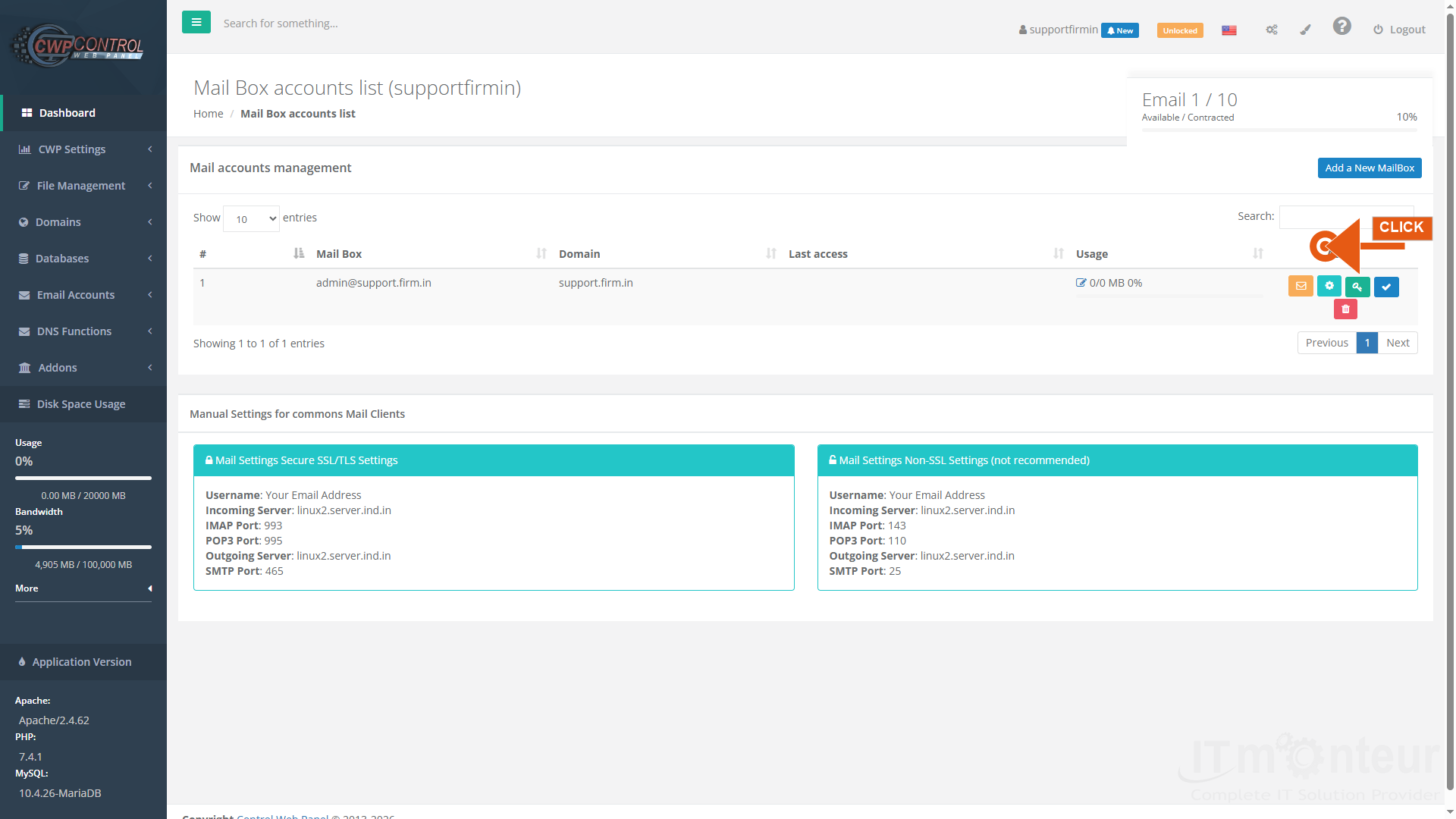
In CWP, open Email Accounts → Email Accounts. On your mailbox row, click the orange envelope (Autologin / webmail) icon.

Step 1 — Mailbox list: envelope icon opens Roundcube webmail. -
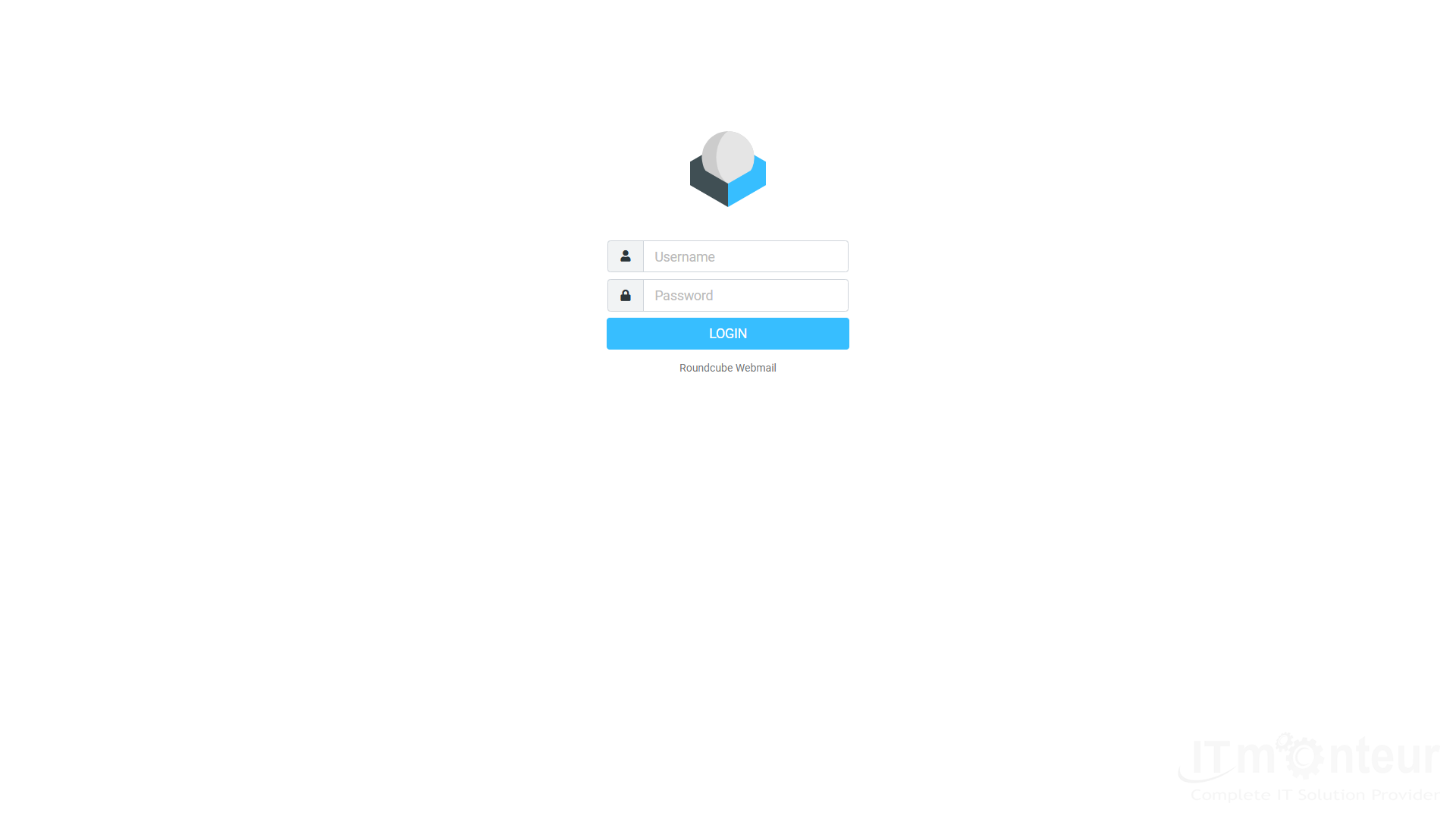
Or open Email Accounts → Roundcube Webmail, or visit the server webmail URL (example:
https://linux2.server.ind.in:2031/roundcube/). Bookmark the URL from your IT Monteur welcome email if it differs.Step 2 — Roundcube login screen. -
Sign in with the full email address (example: admin@yourdomain.com) and the mailbox password (not your CWP panel password unless they are the same).
-
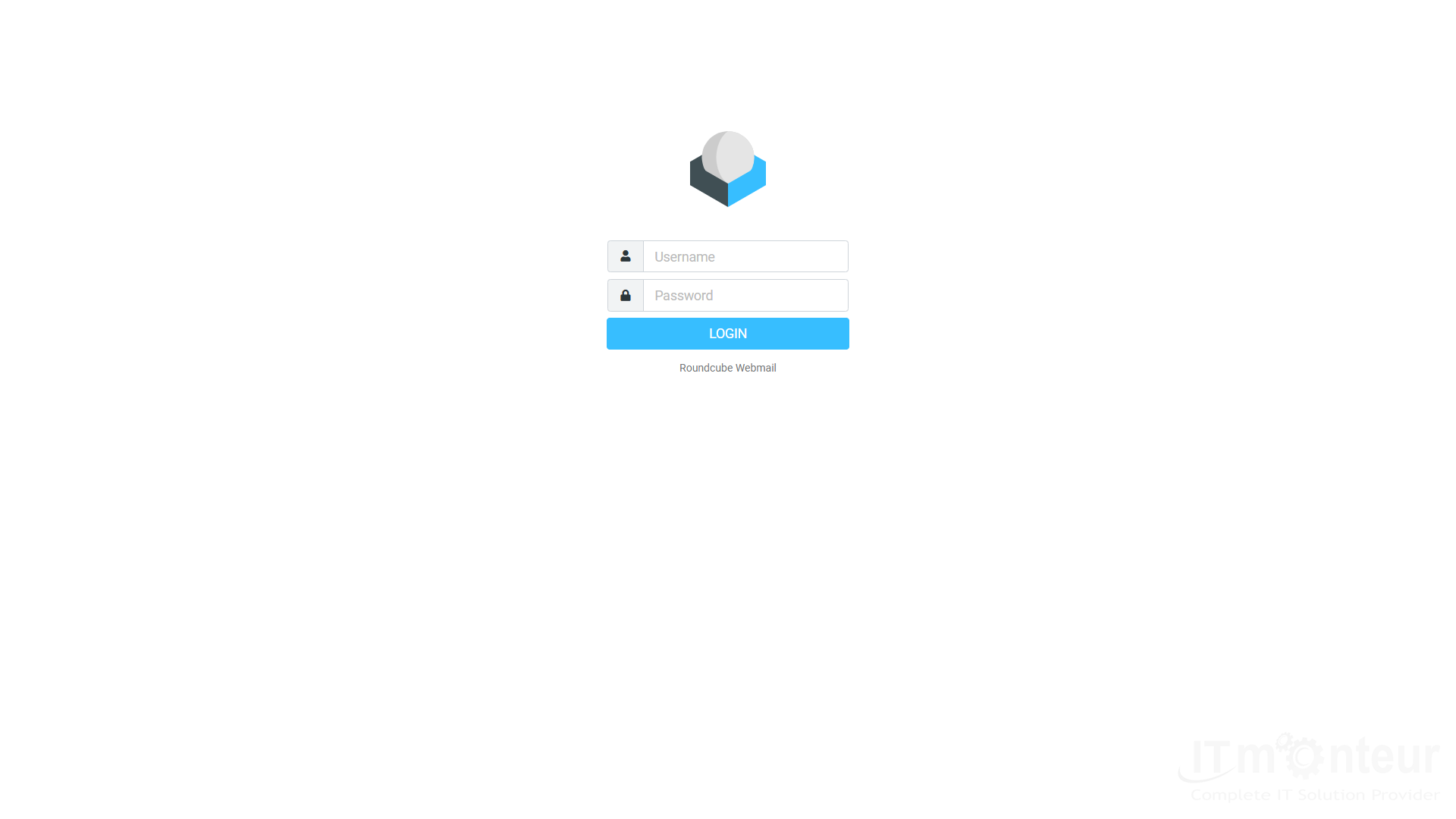
After login you see Inbox, Compose, Contacts, and Settings. Send a test message to confirm sending works.
Step 3 — Roundcube inbox after login.
Common webmail tasks
- Compose — write and send a new message.
- Reply / Forward — use toolbar actions on an open message.
- Folders — create or move mail into Sent, Drafts, Junk, Trash, or custom folders.
- Settings — change Roundcube password display language, identities, and filters (panel password change is still done in CWP mailbox key icon).
Notes
- If login fails, reset the mailbox password in Email Accounts (green key icon), then try webmail again.
- Webmail uses the same mailbox as Outlook/phone — messages sync over IMAP.



























































