 WebMail
  Support
Disk Usage
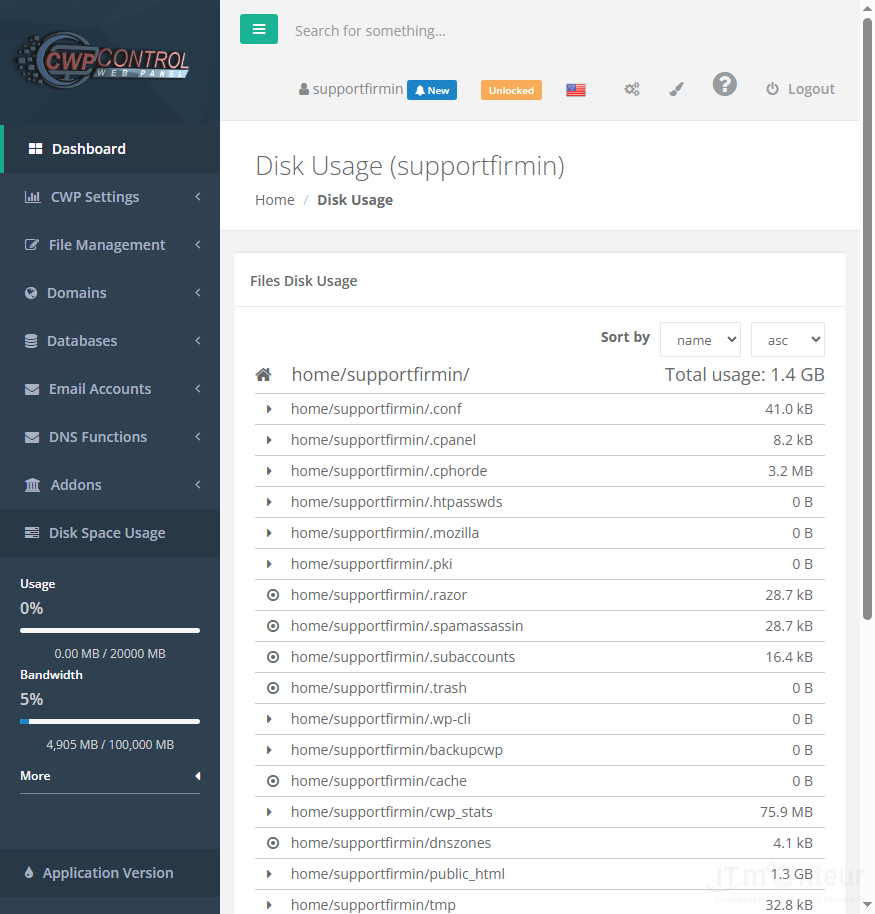
Panel path: File Management → Disk usage
Find which folders consume the most disk space in your account.
Understanding Disk Usage
Large folders often include old backups, logs, cache files, or mailboxes.
Freeing space
- Open File Management → Disk usage.
- Find large folders such as old backups, logs, cache, or mailboxes.
- Remove or archive what you no longer need.



























































