 WebMail
  Support
Mod Security
Panel path: CWP Settings → Mod Security
Review Web Application Firewall (WAF) protection for your domains.
Understanding ModSecurity
ModSecurity blocks suspicious requests. Occasionally a legitimate admin URL may be flagged.
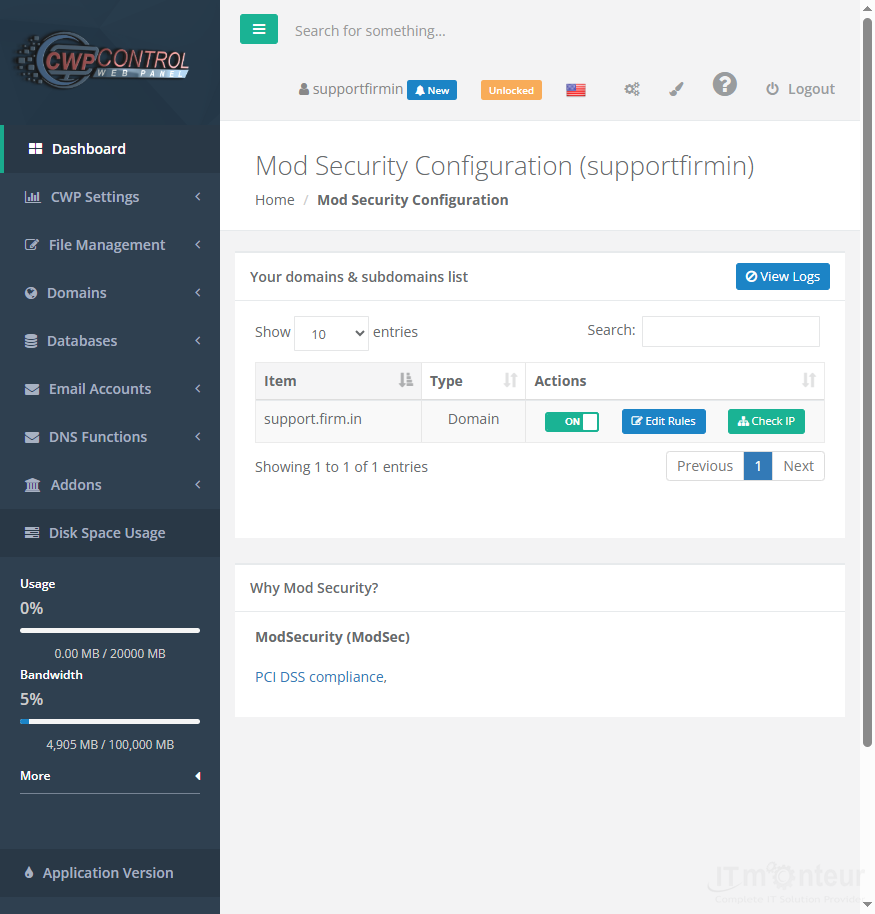
Reviewing rules
- Open CWP Settings → Mod Security.
- Review whether WAF rules are enabled for your domains.
- If a CMS admin URL is blocked, note the rule ID and contact support before disabling protection broadly.
Notes
- Do not turn off ModSecurity permanently unless IT Monteur advises it.



























































