 WebMail
  Support
Login (Port 2083)
Panel path: https://linux2.server.ind.in:2083/
Sign in to your CWP Pro user panel with the username and password from your IT Monteur welcome email.
Sign in to the user panel
-
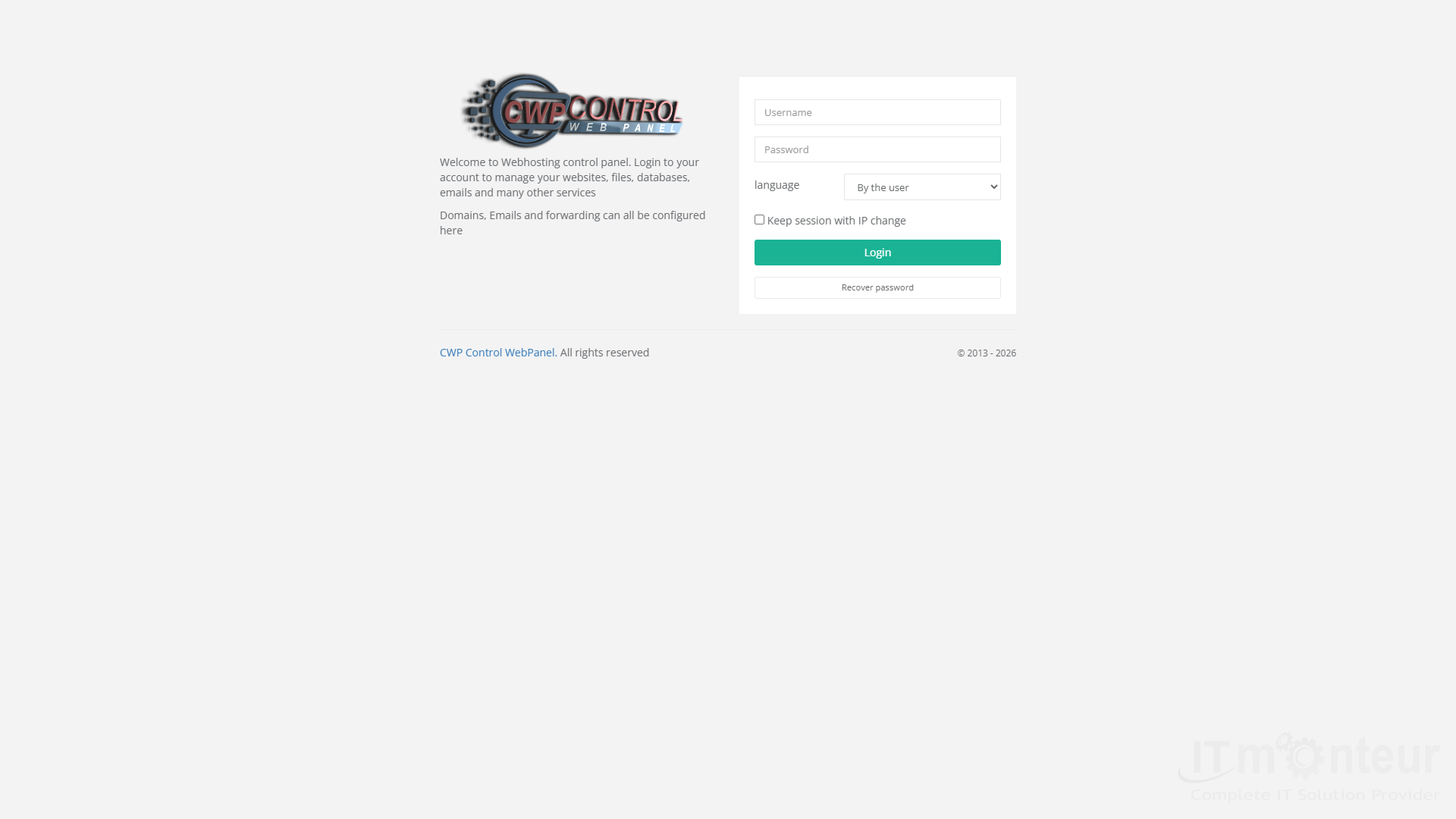
Open https://linux2.server.ind.in:2083/ (or the hostname in your welcome email).

Live screenshot: CWP user login (port 2083). -
Enter your CWP Username and Password. Optional: choose language and “Keep session with IP change”.
-
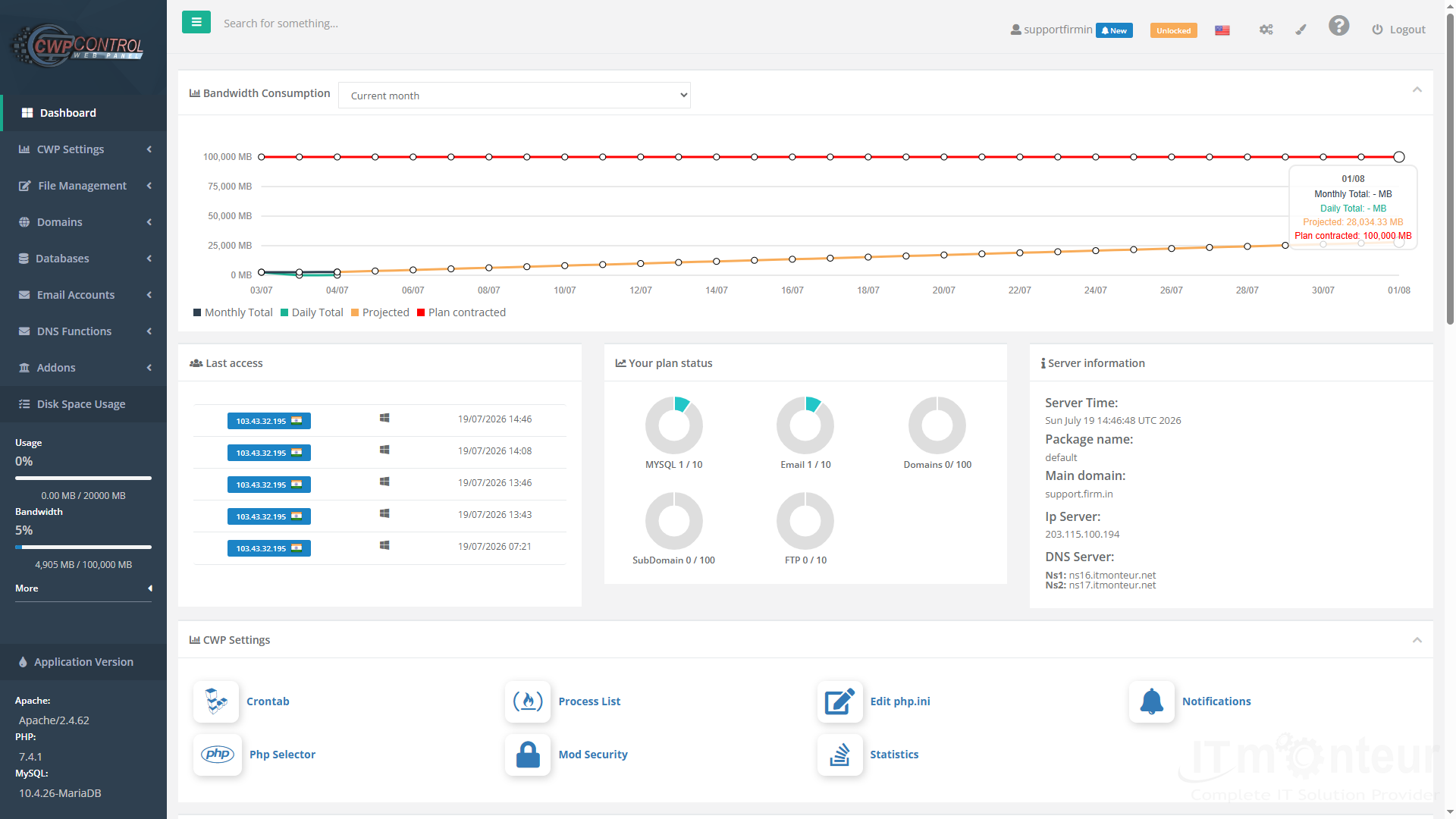
Click Login to open the Dashboard.
Live screenshot: Dashboard after successful login.
Notes
- Always use https and port 2083 for the user panel.
- Admin ports 2031 / 2087 are for IT Monteur staff only.
- If the browser warns about SSL, prefer the hostname URL (not the raw IP).



























































